What Is Docker? A Business Owner’s Guide to Containerization

Your developer says the new feature works fine on their machine. Your QA team opens it in the staging environment and it crashes immediately. Your operations team deploys it to production and three things break that were not even touched. The “works on my machine” problem is one of the most expensive recurring failures in software development — and it is the exact problem Docker was built to eliminate.
Docker packages an application and everything it needs to run — code, runtime, libraries, configuration — into a single portable unit called a container. That container behaves identically on a developer’s laptop, in your CI/CD pipeline, and in production. This guide explains what that means for your software project, your budget, and the questions you should be asking your development team.
Understanding containers does not require a technical background. It requires the same clarity that any informed business owner brings to evaluating infrastructure: knowing what a tool does, when it is worth the investment, and when a vendor is overcomplicating things.
What Is Docker in Plain English?
Docker is open-source software that uses containerization to package and run applications. Released in 2013 by Solomon Hykes and the dotCloud team, it has since become the industry baseline for application deployment. According to the Docker State of Application Development report, 71% of professional development teams now use Docker or compatible container tooling. If your development team is not among them, that warrants a conversation.
Docker sits at the intersection of DevOps practices and deployment infrastructure. It is not a programming language, a cloud platform, or a hosting service. It is a packaging and runtime tool — the thing that ensures what was built gets shipped and run consistently, regardless of where.
The Problem Docker Was Built to Solve
Before containerization, development teams managed environment configuration manually. A developer installed specific versions of Node.js, Python, or Java on their laptop. The staging server had slightly different versions. Production had different ones again, configured by operations years earlier and partially forgotten. Every deployment was a risk event: code that worked in development might fail in production due to nothing more than a version mismatch or a missing system library.
The workaround was virtual machines (VMs). A VM emulates an entire computer inside your computer, including its own operating system. You can run a Linux VM on a Mac, configure it exactly right, and know it will behave consistently. The problem: VMs are slow to start (minutes), large in size (gigabytes each), and resource-heavy. Running five VMs simultaneously on a developer’s laptop is not practical. Running dozens in production is expensive.
Docker in One Sentence
Docker packages your application and everything it needs to run into a single, portable unit called a container — one that starts in seconds, weighs megabytes, and runs identically on any machine that has Docker installed.
What Is a Container? (And How Is It Different From a Virtual Machine?)
The Shipping Container Analogy
Before the 1950s, shipping freight was a logistical nightmare. Every ship, truck, and warehouse was designed differently. Cargo had to be repacked and reconfigured at every transfer point. The invention of the standardised shipping container changed everything: one box, universal dimensions, handled identically by any crane, ship, or truck in the world. The container became the unit of transport, and the global supply chain scaled on top of it.
Docker does the same thing for software. Instead of repacking your application differently for each environment it passes through — developer laptop, QA server, staging, production — you package it once into a container. The container is the unit of deployment. Every environment just needs Docker installed to receive it.
Container vs. Virtual Machine — Comparison
| Feature | Virtual Machine | Docker Container |
|---|---|---|
| Startup time | Minutes | Seconds |
| Size | Gigabytes | Megabytes |
| OS overhead | Full OS per VM | Shared host OS kernel |
| Isolation | Strong (hypervisor) | Process-level |
| Use case | Long-running infrastructure | App packaging and deployment |
| Resource efficiency | Lower | Higher |
Containers share the host operating system’s kernel rather than running a separate OS for every instance. That is why they are so much lighter and faster than VMs. For workloads that require very strong security isolation — multi-tenant cloud infrastructure, for example — VMs still have a role. For the vast majority of application packaging and deployment needs, containers are the correct tool.
The Four Core Docker Terms Your Dev Team Will Use
You do not need to memorize the entire Docker ecosystem, but these four terms come up in almost every project conversation.
Docker Image
A Docker image is a read-only blueprint that defines a container. Think of it like an installer package: it contains the application code, the runtime it needs, the system libraries it depends on, and the configuration that ties them together. Images are built from a plain-text file called a Dockerfile — essentially a recipe that lists the ingredients and the steps to assemble them. Once built, an image can be run anywhere Docker is installed.
Docker Container
A container is a running instance of an image. The relationship between an image and a container is like the relationship between a blueprint and a building: the image defines what to build; the container is the live, running result. You can run many containers from a single image simultaneously — useful when you need to scale a service horizontally under load.
Docker Hub
Docker Hub is a cloud registry of pre-built images. Think of it as an app store for container blueprints. Your development team does not have to build an image for PostgreSQL, Node.js, or Nginx from scratch — they pull the official pre-built image from Docker Hub, verified and maintained by the software’s own publishers, and build from there. This dramatically reduces setup time and ensures the base is a known, trusted configuration.
Docker Compose
Most real applications are not a single service. A typical web application might have a container for the application itself, a container for its database, and a container for a caching layer like Redis. Docker Compose is the tool that defines and runs multi-container applications. A single configuration file — docker-compose.yml — describes the entire stack: which containers to run, how they connect, what ports to expose, and what data volumes to mount. One command starts everything. Another stops and removes it. This is how your development team can spin up a complete, production-like environment locally in under a minute.
How Docker Fits Into Your Software Project
Consistent Development Environments
Every developer on your team runs an identical local environment — same versions, same configuration, same dependencies — because they all start from the same Docker image. The “it worked on Sarah’s laptop but broke on mine” scenario disappears, because everyone’s laptop is, in effect, running the same environment. New developers onboard in hours rather than days: clone the repository, run one Docker command, and the full local stack is running.
Faster CI/CD Pipelines
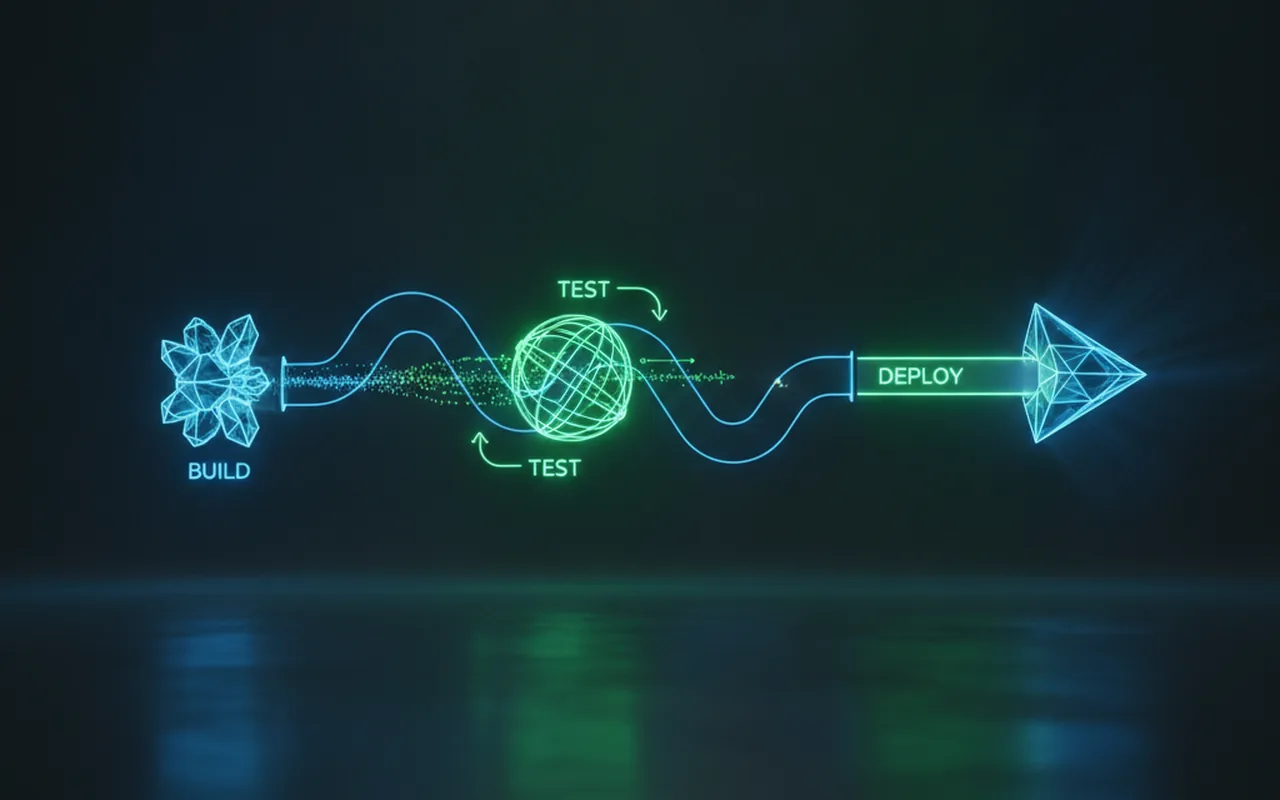
Containers are the natural unit that moves through a CI/CD pipeline. When a developer pushes code, the pipeline builds a Docker image, runs automated tests inside that image, and — if tests pass — promotes that exact image through staging to production. “Build once, run anywhere” is not marketing language; it is the operational reality. The image that passed your test suite is the same image deployed to production — not a rebuilt copy, not a recompiled artifact. This eliminates an entire category of deployment failures and cuts deployment time from hours to minutes for most teams.
Simpler Production Deployment
Without containers, environment drift is a silent killer. Staging drifts from production over months as different teams apply different patches. Bugs appear in production that are impossible to reproduce locally because the environments are no longer identical. With Docker, the container image is immutable: the thing you tested is the thing you deploy. Environment drift is structurally prevented. If it passes tests, it ships. If something breaks in production, you can reproduce it exactly by running the same image locally.
Docker vs. Kubernetes: What’s the Difference?
Kubernetes (K8s) is frequently mentioned alongside Docker, and the two are often confused. They solve different problems at different scales.
| Docker | Kubernetes (K8s) | |
|---|---|---|
| What it does | Packages and runs containers | Orchestrates many containers at scale |
| When you need it | Always, if using containers | When you have 20+ services |
| Complexity | Low to medium | High |
| Managed by | Docker Inc. | CNCF (Cloud Native Computing Foundation) |
Docker handles the packaging and running of individual containers. Kubernetes handles the orchestration of many containers across multiple servers — automatic scaling, self-healing when a container crashes, load balancing across instances. Organisations running Kubernetes at scale report meaningful infrastructure cost reductions per compute transaction, but only past the point where they have enough services to justify the complexity overhead. Below that threshold, Kubernetes adds cost and maintenance burden without proportional benefit.
If your development team recommends Kubernetes for a three-service application, push back. Ask what specific scaling or orchestration problem requires it, and what the alternative — Docker with a managed container service on AWS or Google Cloud — would look like instead. Kubernetes is the right answer for platform teams running dozens of microservices. It is frequently the wrong answer for a growing startup with a focused product.
What Does Docker Cost in 2026?
Docker Engine, the core container runtime, is open-source and free. Docker Desktop — the GUI tool developers use on Mac and Windows — has a licensing distinction that matters for your budget. See the full breakdown on Docker’s official pricing page.
- Docker Personal: Free for individuals, open-source projects, education, and small companies (fewer than 250 employees and under $10M revenue). Both conditions must be met.
- Docker Pro: $9/month per developer — for individual professionals who exceed the Personal threshold.
- Docker Team: $15/user/month — collaborative features, private image repositories, audit logs.
- Docker Business: $24/user/month — enterprise controls, SSO, image access management, centralised policy enforcement.
The key budget implication: if your software vendor or internal team is a company with 250 or more employees or over $10M in revenue, Docker Desktop requires a paid subscription. This is a legitimate line item in any project budget — typically a few hundred dollars per developer per year at Team tier, and worth asking about explicitly when reviewing proposals.
One addition in 2026: Docker Offload, which became generally available in April 2026 on the Business plan. It offloads resource-heavy container builds to Docker’s managed cloud infrastructure when a developer’s local machine hits resource limits — relevant for teams with complex multi-stage builds running on standard-issue laptops.
Should Your Business Use Docker? 5 Questions to Ask Your Dev Team
Docker is the industry baseline for professional software development in 2026. The right question is not whether to use it but whether your team is using it well. These five questions surface what is actually happening in the delivery pipeline — and whether your current or prospective team is operating at a professional standard.
- Are you using containers already, and if not, why not? A team not using containers in 2026 is carrying technical risk. There are valid legacy exceptions, but they should be articulated clearly, not hand-waved.
- How are you managing environment parity between development and production today? The answer reveals whether environment drift is a solved problem or a recurring fire.
- What does our CI/CD pipeline look like — and does it use container images? If the pipeline is building the application from scratch at every deploy rather than promoting a tested container image, ask why.
- At what point would we need Kubernetes, and is that in scope for this project? A thoughtful answer distinguishes a team that has mapped your actual scale requirements from one that defaults to complexity for its own sake.
- What Docker subscription tier does our team require, and is that budgeted? Licensing surprises are avoidable. Surface this in the proposal stage, not after the contracts are signed.
These questions also apply when deciding between architectural options — containerised microservices versus a simpler monolith, for example. The right choice depends on your actual scale, and a good team can walk you through that tradeoff clearly. For a deeper look at how these decisions fit into the overall web app tech stack, our guide covers the full picture from infrastructure to framework.
If your current team struggles to answer these questions clearly, or if you are starting fresh and want to avoid early architectural mistakes, working with an experienced custom software development partner who uses containers as a default can save months of painful environment debugging later.
Frequently Asked Questions
What is Docker in simple terms?
Docker is a tool that packages a software application and everything it needs to run — code, runtime, system libraries — into a single portable unit called a container. This lets the same software run consistently on any machine or server, eliminating the environment mismatch problems that cause costly deployment failures.
Do I need to understand Docker as a business owner?
You do not need to use Docker yourself, but understanding what it is helps you ask the right questions when hiring a development team or reviewing a project proposal. If a team is not using containers, ask why — containerization is now the industry baseline for most professional software projects, and the absence of it is a flag worth investigating.
What’s the difference between Docker and Kubernetes?
Docker packages and runs individual containers. Kubernetes manages large numbers of containers across multiple servers — it handles scaling, self-healing, and load balancing. Most projects under 20 services need Docker but not Kubernetes. If a vendor proposes Kubernetes for a small application, ask whether the complexity is justified by your actual scale requirements.
Is Docker free for my company to use?
Docker Desktop is free for personal use and small companies (fewer than 250 employees and under $10M revenue — both conditions required). Larger organisations need a paid subscription: Docker Team at $15/user/month or Docker Business at $24/user/month. The underlying container engine (Docker Engine) remains open-source and free regardless of company size.
How does Docker affect software project timelines and costs?
Docker typically reduces deployment time and eliminates expensive “environment mismatch” bugs that are time-consuming to diagnose. The upfront cost is a small setup overhead — usually a few hours for experienced teams. Long-term, it reduces QA cycles, makes developer onboarding faster, and lowers the risk of production incidents caused by environment differences. Most teams recover the setup cost within the first development sprint.