What Is a CI/CD Pipeline? A Non-Technical Guide for Business Owners
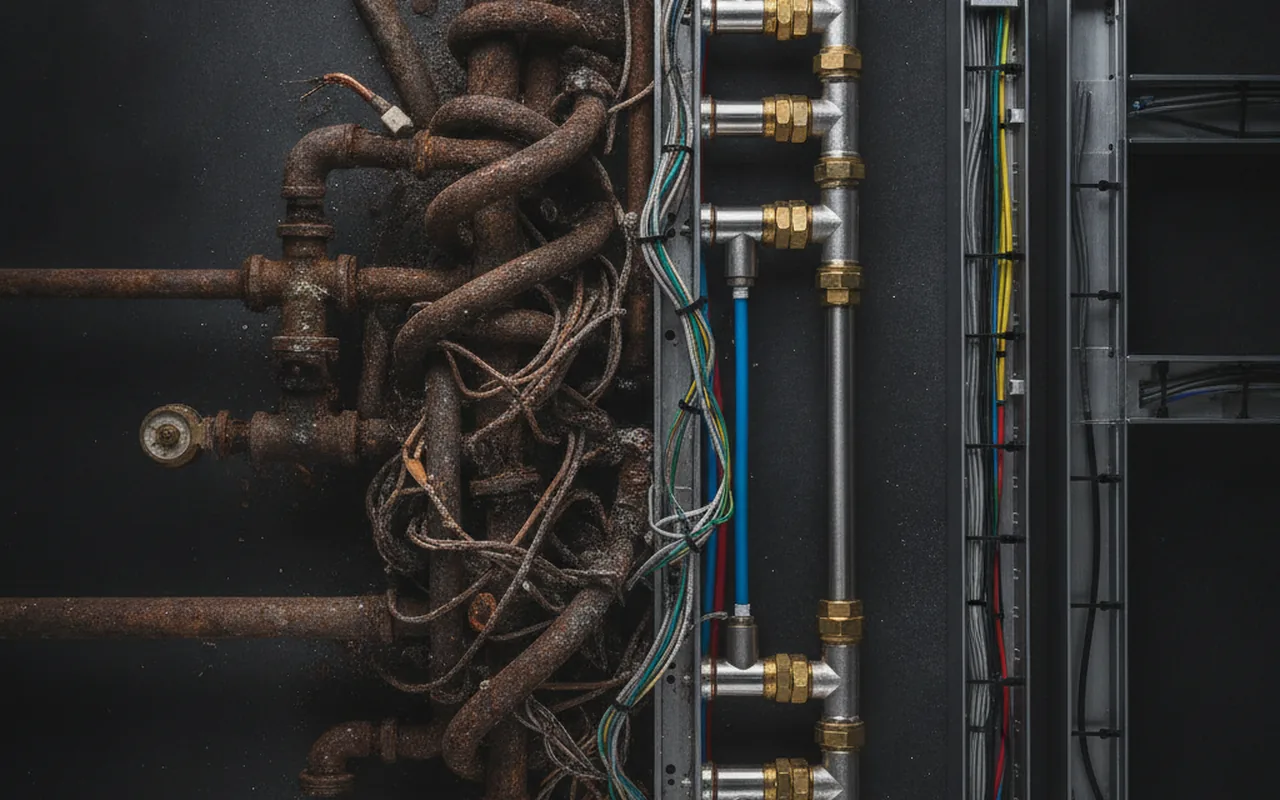
Shipping software used to mean a nerve-racking ritual: developers bundling weeks of code changes, a manual deployment process that took hours, and the constant fear that something would break in production. Today, high-performing teams release code dozens or even hundreds of times a day — and they do it reliably. The practice that makes this possible is called a CI/CD pipeline.
If you are a business owner or non-technical leader working with a software team, you do not need to understand how to build one. But you do need to know what it is, why it matters to your bottom line, and what questions to ask your team to gauge whether your delivery process is healthy.
CI/CD in Plain English (30-Second Version)
CI/CD stands for Continuous Integration and Continuous Delivery (or Continuous Deployment). In plain terms: CI means the team automatically tests every code change the moment a developer submits it. CD means the tested code is automatically prepared — and often released — to users without a lengthy manual process in between.
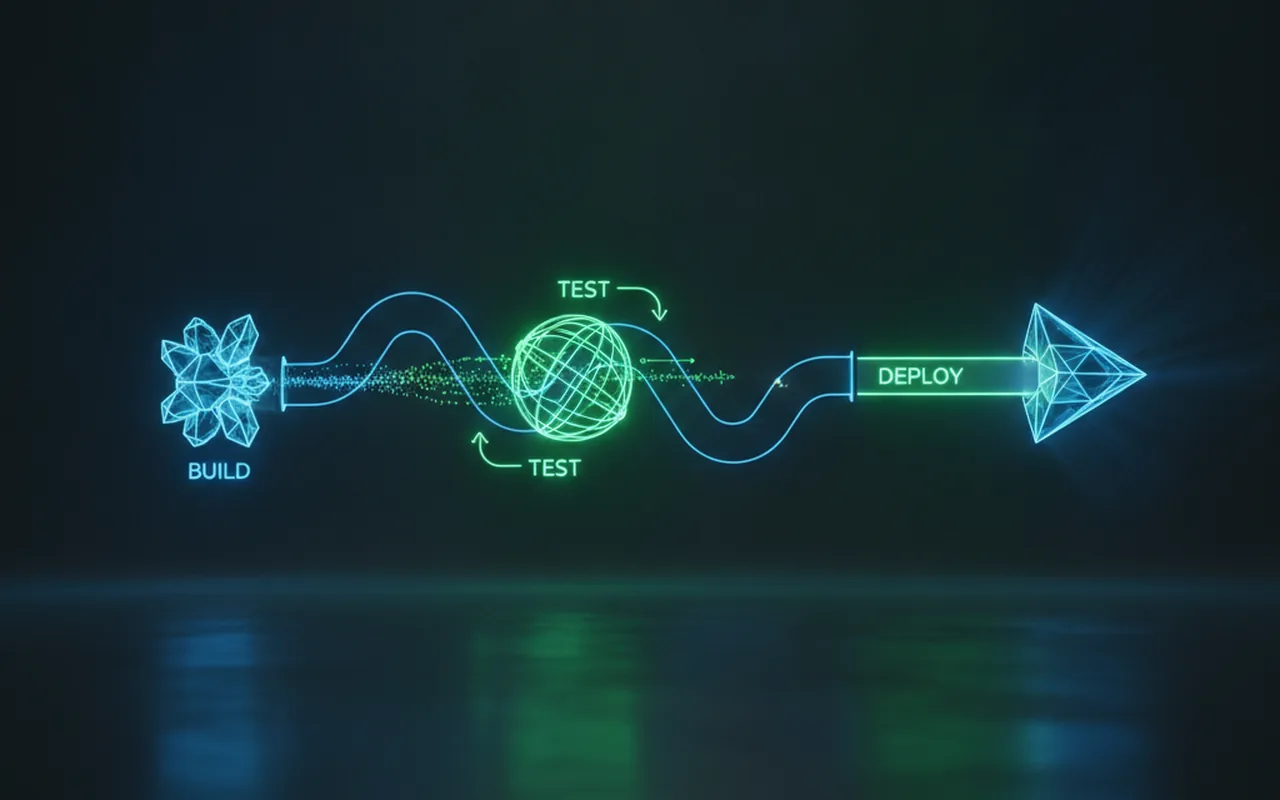
Together, CI/CD is the automated conveyor belt that moves code from a developer's laptop to your customers' screens safely and quickly.
What Is Continuous Integration (CI)?
Why Merging Code Used to Be Painful
In traditional software development, each developer would work on their own copy of the code for days or weeks, then try to merge everything together at once. This process — sometimes called "merge hell" — was slow, error-prone, and often produced bugs that were hard to trace back to a specific change. The longer teams waited to merge, the worse the problem became.
What Happens in the CI Stage
Continuous Integration solves this by requiring developers to merge their changes into a shared codebase frequently — often several times a day. Every time a developer pushes code, the CI system automatically runs through a sequence of checks:
- Code is pushed to a shared repository (typically using a version control system like Git).
- An automated build runs — the system compiles the code to confirm it does not have obvious structural errors.
- Automated tests execute — unit tests check individual functions; integration tests check how components work together.
- A pass or fail result is returned — if a test fails, the developer is notified immediately, before any bad code reaches other team members or users.
The key word here is automatically. The team does not have to remember to run tests or check for conflicts — the pipeline does it every single time, without exception.
What Is Continuous Delivery vs. Continuous Deployment?
The "CD" half of CI/CD is where the terminology gets slightly confusing, because it can refer to two different — but related — practices.
| Practice | Definition | Who approves the release | How often it ships | Best for |
|---|---|---|---|---|
| Continuous Integration | Automatically test every code change | N/A — tests run automatically | On every commit | All software teams |
| Continuous Delivery | Automatically prepare code for release, then a human approves the push to production | Human (product owner or release manager) | On demand, typically daily or weekly | Regulated industries, complex products |
| Continuous Deployment | Automatically release every passing change to users with no manual gate | No human required | Multiple times per day | SaaS, web apps, high-cadence products |
Continuous Delivery: Automated to the Door, Human Opens It
With Continuous Delivery, the pipeline automates everything right up to production. Code is built, tested, and packaged so it is ready to release at any moment — but a person still clicks the button to push it live. This gives the business control over timing while removing the manual, error-prone work of preparing a release.
Continuous Deployment: Fully Automated All the Way to Production
Continuous Deployment takes the final step: if the code passes all automated checks, it ships to users automatically. There is no manual approval gate. This is the model used by companies like Netflix, Amazon, and Etsy, which release code thousands of times per day. It requires mature test coverage and monitoring, but when implemented well it eliminates release anxiety almost entirely.
Why CI/CD Matters to Your Business (Not Just Your Developers)
A CI/CD pipeline is often presented as a technical concern. In reality, it has a direct impact on business outcomes that every leader should care about.
1. Faster time to market. When releases are automated and frequent, new features reach customers in days rather than weeks or months. Competitors cannot lap you if you are shipping improvements continuously.
2. Fewer production bugs — and cheaper fixes. Bugs caught in CI (before they reach production) cost a fraction of what they cost to fix after customers encounter them. The CI/CD model moves quality checks to the earliest possible moment in the process.
3. Lower manual deployment risk. Manual deployments are inherently inconsistent — humans skip steps, forget commands, and make mistakes under pressure. Automated pipelines run identically every time. Your risk of a botched release drops significantly.
4. Developer confidence to move faster. When developers trust that the pipeline will catch mistakes, they are less afraid to make changes. Fear of breaking production slows teams down; CI/CD removes that fear systematically.
The numbers back this up: according to the DORA 2025 State of DevOps report, high-performing software organizations deploy code 208 times more frequently than low-performing ones — with 2,604 times shorter lead times from commit to release. CI/CD is the primary operational practice separating these two groups.
If you are working with an external custom software development team, asking about their CI/CD setup is one of the most reliable signals of engineering maturity. Mature teams have it. Teams that do not are carrying operational risk that eventually becomes your risk.
The Stages of a CI/CD Pipeline (Step by Step)
A typical CI/CD pipeline moves through five stages. Each stage is a gate — code only advances if the previous stage passes.
1. Source: Code Is Pushed
A developer commits code changes and pushes them to a shared repository (such as GitHub, GitLab, or Bitbucket). This push event triggers the pipeline automatically.
2. Build: Code Is Compiled
The system compiles the code into an executable or deployable artifact. If the code cannot compile, the pipeline fails immediately and the developer is notified — nothing broken advances further.
3. Test: Automated Checks Run
The most important stage. Unit tests, integration tests, and security scans run against the compiled code. A failure here means the change is rejected and must be fixed before it can proceed. This is where the vast majority of bugs are caught.
4. Deploy to Staging: Mirror of Production
Passing code is deployed to a staging environment — a replica of the production system. This allows QA teams, product managers, or automated end-to-end tests to verify that the feature works correctly in a realistic environment before any real user sees it.
5. Deploy to Production
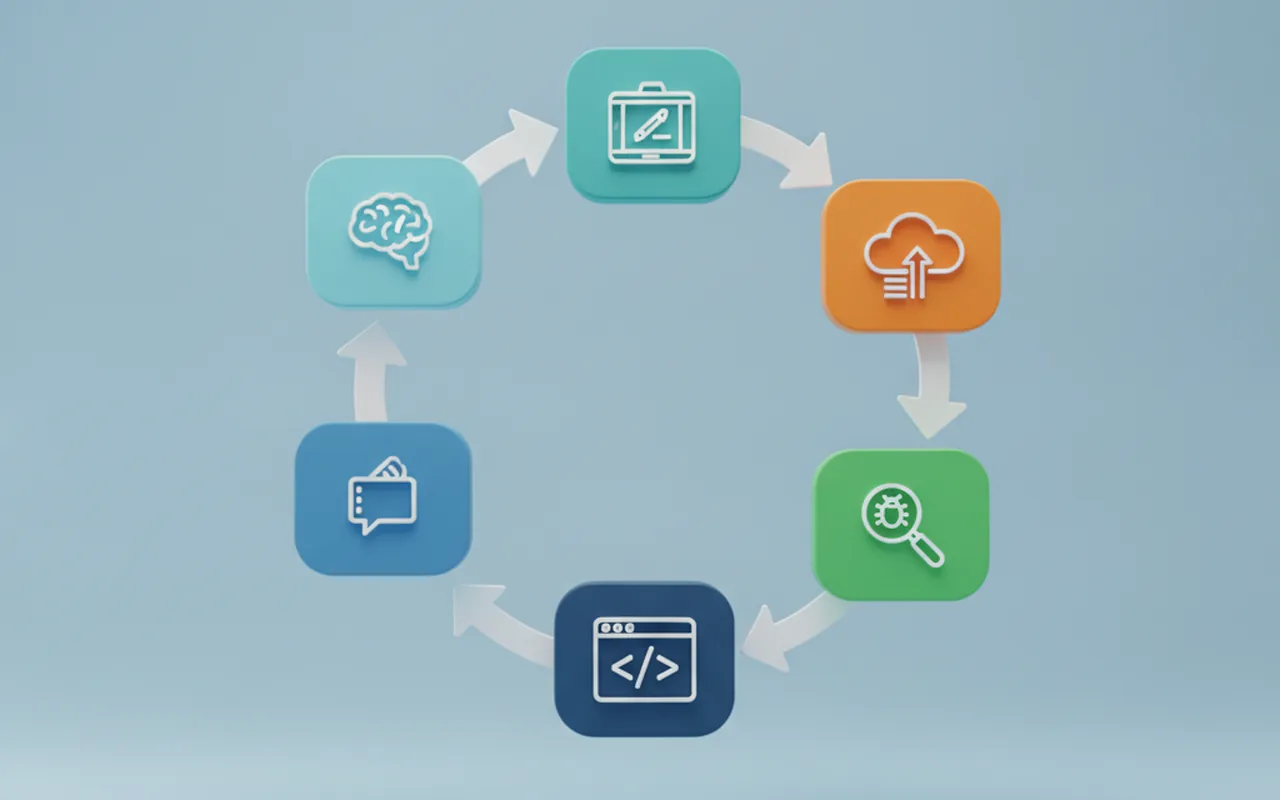
In Continuous Delivery, a human approves the final push. In Continuous Deployment, this happens automatically once staging checks pass. Either way, the code arrives in production as a controlled, verified artifact — not a rushed manual upload. This fits naturally into the Deploy phase of the broader software development life cycle (SDLC).
Popular CI/CD Tools in 2026
The good news is that CI/CD tooling has matured significantly. Most teams do not need to build a pipeline from scratch — they configure one of several established platforms.
| Tool | Type | Best for | Cost |
|---|---|---|---|
| GitHub Actions | Cloud-native, built into GitHub | Teams already using GitHub for version control | Free tier + paid minutes |
| GitLab CI/CD | Built into GitLab | Self-hosted teams, enterprise | Free tier + paid tiers |
| Jenkins | Open-source, self-hosted | Teams wanting full control with no vendor dependency | Free (you manage the infrastructure) |
| CircleCI | SaaS | Speed-focused teams, heavy parallelism | Free tier + paid plans |
| Bitbucket Pipelines | Built into Bitbucket | Teams using the Atlassian stack (Jira, Confluence) | Free tier + paid minutes |
The right tool for your team almost always depends on where your code already lives. If your repository is on GitHub, GitHub Actions is the natural starting point. Ask your dev team which platform they use — if they cannot answer, that itself is a signal worth investigating.
Does Your Project Have a CI/CD Pipeline? Questions to Ask Your Dev Team
You do not need to audit your team's infrastructure directly. These five plain-language questions will give you a clear picture of your delivery maturity — without needing to understand the technical implementation.
- How do you deploy new code to production today? If the answer involves manual steps, SSH commands, or "it depends who's around," that is a risk flag.
- How long does it take from an approved pull request to users seeing the change? Healthy teams measure this in hours. Unhealthy ones measure it in weeks.
- What automated tests run before code goes live? The answer should include at minimum unit tests and integration tests. "We don't have many tests yet" is honest but concerning.
- What happens if a bug ships to production — how fast can you roll back? The answer should be: quickly and with confidence. A good CI/CD setup makes rollback a routine, not a crisis.
- Are deployments happening at least weekly? Infrequent deployments are a symptom of a risky, high-ceremony release process — exactly what CI/CD is designed to eliminate.
These are not gotcha questions. They reveal the maturity of your delivery process and help you understand whether the team is managing risk well. The same discipline that prevents bad code from reaching users also prevents the technical debt that accumulates when quality gates are skipped.
Common Misconceptions About CI/CD
- "CI/CD means no testing by humans." False. Automated tests are not a replacement for QA — they are a safety net that catches obvious errors so human testers can focus on the complex, experience-based judgments that tools cannot make.
- "CI/CD is only for big companies." False. Small teams benefit the most from removing manual deployment risk. The overhead of setting up a basic pipeline is measured in hours, not months — and the payoff starts immediately.
- "It's the same as DevOps." Related, but different. DevOps is a broad philosophy of collaboration between development and operations teams. CI/CD is a specific set of practices and tools within that philosophy. You can adopt CI/CD without a full DevOps transformation — and it pairs naturally with Agile methodology and sprint-based delivery.
- "Setting it up takes months." Modern tools like GitHub Actions can have a basic pipeline running in a single day for a small project. A production-grade setup with security scanning and multiple environments takes longer, but the journey starts quickly.
Frequently Asked Questions
What does CI/CD stand for?
CI/CD stands for Continuous Integration and Continuous Delivery (or Continuous Deployment). CI automates testing every time a developer pushes code; CD automates releasing tested code to users, either with or without a manual approval step.
Do small teams or startups need a CI/CD pipeline?
Yes — small teams often benefit the most. Manual deployments are error-prone and time-consuming regardless of team size. Modern tools like GitHub Actions make it possible to set up a basic pipeline in a day, even for a two-person startup. The discipline of automated testing also forces teams to write more maintainable code from the start.
What's the difference between CI/CD and DevOps?
DevOps is a broad cultural and organizational philosophy focused on collaboration between development and operations teams. CI/CD is a specific set of practices and tools within DevOps that automate how code is tested and shipped. You can adopt CI/CD without a full DevOps transformation.
How long does it take to set up a CI/CD pipeline?
A basic pipeline — automated build, tests, and deploy to staging — can be configured in a few hours using modern tools like GitHub Actions or GitLab CI. A full enterprise-grade pipeline with security scanning, multiple environments, and rollback automation typically takes one to four weeks of engineering time.
What happens when a CI/CD pipeline fails?
The pipeline blocks the release and notifies the developer immediately. No broken code reaches users. The developer fixes the issue, pushes a new commit, and the pipeline re-runs automatically. This is exactly the safety net CI/CD is designed to provide: the cost of a pipeline failure is a few minutes of a developer's time, not a customer-facing outage.