What Is a Message Queue? A Business Owner’s Plain-English Guide

When one part of your application calls another directly and synchronously, you have created a single point of failure. If the receiving service is slow, overloaded, or temporarily down, every caller stalls — or fails — along with it. A message queue breaks that dependency: instead of one service calling another and waiting for a reply, it drops a message into a shared buffer and moves on. The receiving service picks up that message whenever it is ready. IBM’s overview of message queues calls this pattern the backbone of modern distributed systems, and it is hard to argue with that framing. In this guide you will learn exactly what a message queue is, how it works step by step, which tools to consider, and when your application actually needs one.
The Simplest Explanation of a Message Queue
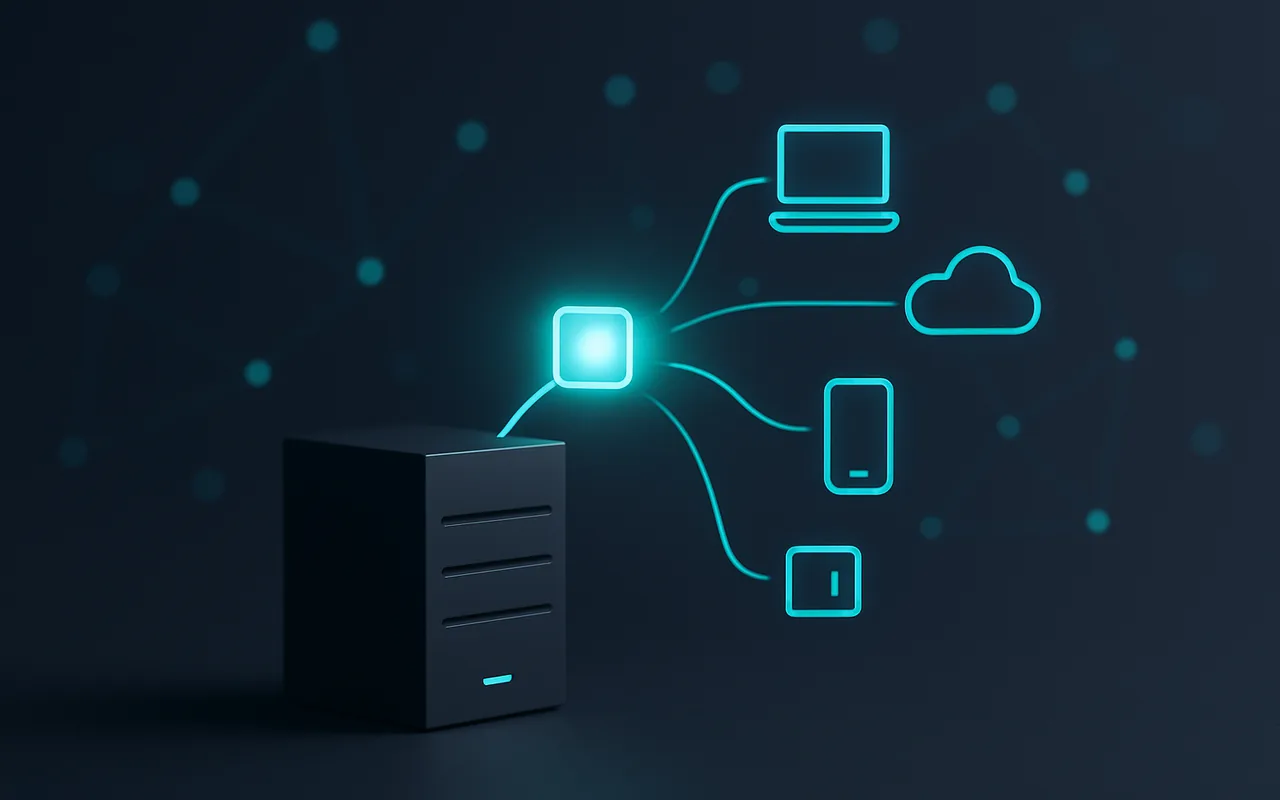
Think of a message queue like a postal sorting office. Letters (messages) arrive from senders, sit in organised bins, and are picked up by couriers (consumers) when they are ready for delivery. The sender does not wait at the post office; it drops off the letter and leaves. The courier does not need the sender to be present when it collects; it just works through the queue at its own pace.
Three actors make this possible:
- Producer — the service or process that creates a message and sends it to the queue. It does not know (or care) who will process that message or when.
- Queue — the persistent buffer that stores messages in order until a consumer is ready to handle them. If the consumer is busy or offline, messages wait safely.
- Consumer — the service or process that reads messages from the queue and acts on them — sending an email, resizing an image, writing to a database, or anything else the task requires.
A message queue is therefore a software component that enables asynchronous, decoupled communication between services by temporarily storing messages produced by one component until another component is ready to process them.
How a Message Queue Works — Step by Step
Step 1 — The Producer Sends a Message
When an event happens — a customer places an order, a file is uploaded, a user completes a form — the producing service serialises the relevant data (usually JSON or a binary format like Protocol Buffers) and publishes it to a named queue. The publish operation typically returns in milliseconds; the producer does not wait for any downstream processing. It continues handling the next request immediately.
Step 2 — The Queue Stores It Safely
The queue broker (RabbitMQ, SQS, Kafka, or similar) receives the message and persists it to disk or memory, depending on configuration. Durable queues write to disk, so messages survive a broker restart. The broker assigns each message a delivery attempt counter and, in many systems, a visibility timeout — a window during which the message is hidden from other consumers once one consumer has taken it.
Step 3 — The Consumer Picks It Up (When Ready)
One or more consumer processes poll the queue (or receive push notifications from it) and pick up messages one at a time, or in small batches. Once the consumer has successfully processed the message, it sends an acknowledgement (ack) back to the broker, which then removes the message from the queue permanently. If the consumer crashes before sending the ack, the visibility timeout expires and the broker re-delivers the message to another consumer — guaranteeing at-least-once delivery without any manual intervention.
The Key Benefits (Why Teams Add a Message Queue)
- Decoupling: services do not need to know about each other. The producer only needs to know the queue name; the consumer only needs to know the same queue name. You can replace either side without touching the other.
- Resilience: messages survive consumer crashes and restarts. As long as the broker is durable, nothing is lost — the message waits until a healthy consumer is available.
- Load levelling: a traffic spike produces a burst of messages that accumulate in the queue rather than overwhelming downstream services. Consumers process at their sustainable rate; queue depth temporarily rises but no requests are dropped.
- Scalability: add more consumers (horizontally scale the worker pool) without changing the producer at all. The queue distributes work across however many consumers are listening.
- Audit trail: some queue systems (notably Kafka) retain messages for days or weeks, making it possible to replay events for debugging, auditing, or backfilling a new service with historical data.
Message Queue vs Webhook — What’s the Difference?
Both mechanisms connect services, but they work in opposite directions and serve different reliability needs. Our guide to webhooks explains when push-based callbacks are the right fit — but here is the key comparison at a glance:
| Message Queue | Webhook | |
|---|---|---|
| Direction | Pull (consumer fetches from queue) | Push (server calls a URL) |
| Delivery | Guaranteed, stored until acked | Best-effort, ephemeral |
| When | Async, background work | Near-real-time event notification |
| Example | Process payment confirmation after checkout | Notify Slack when an order ships |
In short: use a webhook for instant, fire-and-forget notifications where a dropped delivery is acceptable; use a message queue when you need guaranteed delivery and the receiver may be unavailable for minutes or hours.
Top Message Queue Tools Compared
Three tools dominate real-world deployments. Choosing between them comes down to your throughput requirements, cloud strategy, and team expertise.
| Tool | Best For | Throughput | Managed Option |
|---|---|---|---|
| RabbitMQ | Task queues, flexible routing (fanout, topic, direct) | Moderate (millions/day) | CloudAMQP |
| Apache Kafka | High-volume event streaming, log aggregation | Very high (billions/day) | Confluent Cloud |
| Amazon SQS | AWS-native simplicity, serverless architectures | High (unlimited scale) | Fully managed (AWS) |
RabbitMQ is the right call for most task-queue use cases — it supports the AMQP protocol, offers flexible routing rules, and has a large community. Kafka shines when you need very high throughput, long message retention, or event replay across multiple consumer groups. Amazon SQS is the fastest path to production if your infrastructure already lives on AWS — there is nothing to manage, and it scales automatically. For greenfield projects, start with SQS or CloudAMQP’s free tier; evaluate Kafka only once your message volume is genuinely in the hundreds of millions per day.
When Do You Actually Need a Message Queue?
The pattern pays for itself in these common business scenarios:
- Order confirmation emails after checkout. The checkout flow should complete in under a second; composing and delivering an email takes much longer. A queue decouples them: checkout publishes an “order-placed” event, the email worker picks it up and sends the message at its own pace.
- Video and image processing. Resizing, transcoding, and watermarking are CPU-heavy operations. A queue lets uploads complete instantly while workers process files asynchronously, scaling worker count to match the backlog.
- Microservices talking to each other without tight coupling. A queue prevents cascading failures: if the inventory service is slow, the order service keeps running instead of timing out.
- Log aggregation across multiple servers. Each server publishes log events to a central queue; a single consumer writes them to a data warehouse or search index in batches.
- Rate-limiting calls to a third-party API. If a downstream API accepts only 10 requests per second, a queue absorbs the burst and a single consumer drains it at the permitted rate, preventing 429 errors.
You probably do not need a message queue if you are running a simple monolith where background tasks can live in a cron job and a failed task is acceptable to retry manually. The overhead of running a broker is not justified until async tasks failing silently starts causing real user pain.
If you are not sure how message queuing fits into your architecture, working with an experienced custom software development team that has built event-driven systems before saves months of trial and error.
Message Queues and Microservices — A Natural Pairing
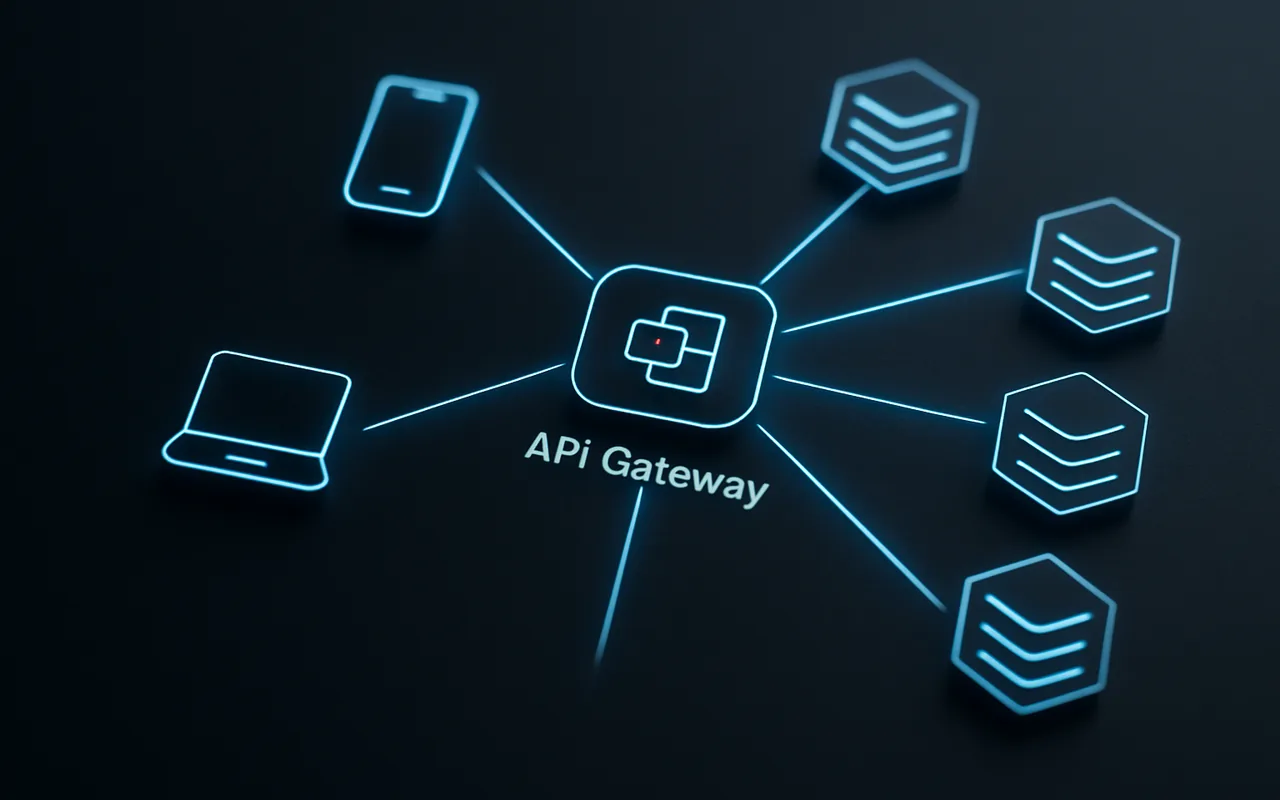
Microservices gain their resilience advantages only when services avoid direct synchronous calls to each other. If Service A calls Service B synchronously and B is down, A fails too — defeating the purpose of decomposing the monolith in the first place. A message queue inserted between A and B lets A publish a task and move on; B processes that task whenever it restarts. The result is a system where individual service failures are contained rather than propagated. If you are weighing a monolith vs microservices architecture, message queues are worth considering as the primary communication mechanism before you commit to the microservices path — they make the architecture substantially more fault-tolerant. At higher maturity levels, this pattern evolves into event-driven architecture, where services react to events rather than calling each other at all, which further reduces coupling and enables complex workflows like sagas and process managers.
For teams planning their first event-driven system, choosing the right tech stack for your app should include a deliberate decision about which message broker fits your cloud provider and team experience.
FAQ
Is a message queue the same as a database?
No. A queue is transient storage optimised for ordered delivery to consumers; a database persists data long-term for arbitrary queries. Some queues — notably Kafka — blur the line by retaining messages for days or weeks with configurable retention policies, but the primary purpose remains event delivery, not arbitrary read/write access.
What happens if the consumer crashes before processing a message?
Most queues use acknowledgements (acks). The message stays invisible to other consumers until the original consumer acks it. If the consumer crashes before acking, the visibility timeout expires and the broker re-delivers the message to another consumer automatically. This is the at-least-once delivery guarantee — which means your consumer logic should be idempotent (safe to run more than once with the same result).
How is a message queue different from a pub/sub system?
In a queue, each message is consumed by exactly one consumer — useful for task distribution. In pub/sub, each message is broadcast to all subscribers — useful for event notifications. Kafka and Google Pub/Sub can behave as both depending on configuration: multiple consumer groups in Kafka each receive a full copy of the message, while a single consumer group distributes messages across its members.
Do I need a message queue for a small startup?
Usually not at first. Add a queue when a failing async task — email sending, report generation, a webhook dispatch — crashes your main request path, or when background jobs need to survive server restarts reliably. A cron job or a simple background thread is fine until the queue depth and failure-isolation requirements grow beyond what they can handle.
What’s the easiest way to add a message queue to an existing app?
Amazon SQS or a managed RabbitMQ service (CloudAMQP free tier) lets you add a queue in an afternoon with no infrastructure to maintain. For higher throughput or event replay requirements, evaluate Kafka on Confluent Cloud — the managed service eliminates the operational burden of running Kafka yourself while giving you full Kafka semantics and backpressure handling.