What Is a Webhook? A Business Owner’s Plain-English Guide
Every time Stripe notifies your accounting tool about a payment, or GitHub triggers a build when you push code, that’s a webhook in action. These are not magic — they are a specific, widely used mechanism for connecting software services in real time. This guide explains what webhooks are, how they differ from a REST API, what SaaS tools use them, and what to ask your development team when you want them built into your product.
The Problem Webhooks Solve: Why Polling Is Wasteful
The Old Way — Constant Polling
Before webhooks, apps communicated through polling: your system would call a source service repeatedly — every minute, every 30 seconds, or faster — asking the same question: “Has anything changed?” Most of the time the answer is no. The request goes out, data comes back, and your app discards it because nothing is new. This is expensive. It wastes bandwidth, burns server resources on both ends, and still results in delays: if you poll every 60 seconds, an event that happens one second after your last check won’t reach you for nearly a full minute.
The Webhook Way — Push, Not Pull
Webhooks reverse the communication model. Instead of your app asking “anything new?” over and over, the source service calls your app the moment something happens. No wasted requests, no delay between the event and your awareness of it. The trigger fires; the data arrives. This event-driven integration model is why webhooks have become a foundational pattern in modern SaaS architecture.
What Is a Webhook, Exactly?
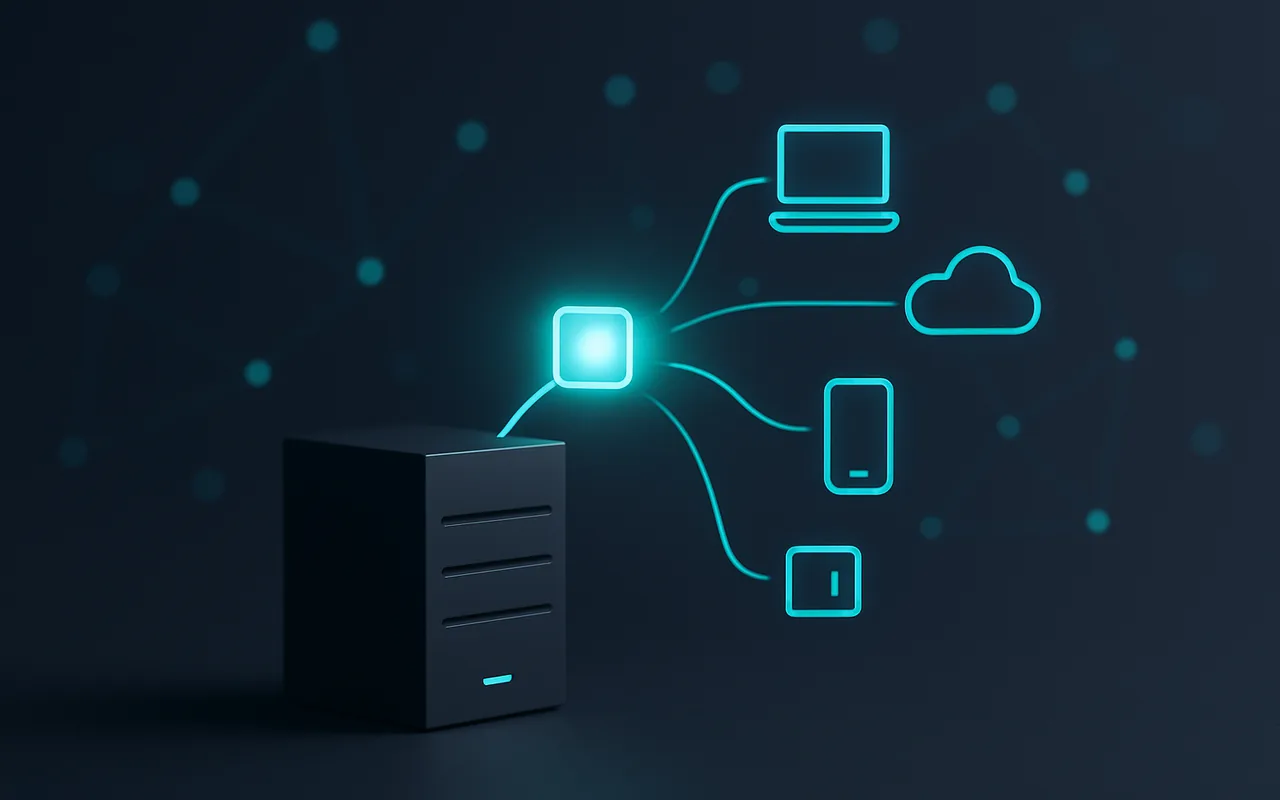
A webhook is an HTTP callback: a URL your application exposes that an external service calls with a POST request the moment a defined event occurs. The external service — Stripe, Shopify, GitHub, Slack — sends a packet of data (the payload) to your URL the instant the event fires. Your application receives that payload and acts on it: updating a record, sending an email, triggering a workflow, whatever the business logic requires.
Think of it like a doorbell versus checking the door every five minutes. Polling is you walking to the door every five minutes to see if anyone is there. A webhook is the doorbell: someone arrives, they press it, and you’re notified immediately. You don’t do any work until there’s actually something to respond to.
How Webhooks Work — Step by Step
- An event occurs in the source service. A customer completes a purchase in your Shopify store. A developer pushes code to a GitHub repository. A Stripe payment succeeds or fails.
- The source app sends an HTTP POST request. The service packages data about the event — order ID, amount, customer email, timestamp — as a JSON payload and sends it via HTTP POST to the webhook URL you registered in their dashboard.
- Your endpoint receives the payload. A URL on your server (the webhook endpoint) accepts the incoming request and reads the data. Your server must respond with a 2xx HTTP status code quickly — ideally within a few seconds — to acknowledge receipt.
- Your application acts. Having confirmed the payload, your system executes whatever business logic is needed: add a row to the database, update order status, trigger a fulfilment workflow, send a notification, or hand the data to an internal queue for processing.
What Webhooks Are Used For (Real-World Examples)
Payment & Billing (Stripe, PayPal)
This is the most common webhook use case for e-commerce and SaaS businesses. When a payment succeeds, Stripe fires a payment_intent.succeeded event to your endpoint. When a subscription renews or a card is declined, you get a webhook immediately. Your accounting software, CRM, and fulfilment system all know about the transaction the instant it happens — not the next time someone presses a sync button. For more technical detail, see Stripe’s webhook documentation.
E-Commerce & Inventory (Shopify, WooCommerce)
When a customer places an order, Shopify fires a webhook to your inventory system, your packing team’s dashboard, and your logistics partner simultaneously. When an item goes out of stock, the same mechanism can notify your purchasing team and suppress that product from your storefront. None of this requires manual data exports or scheduled sync jobs.
CI/CD and Developer Workflows
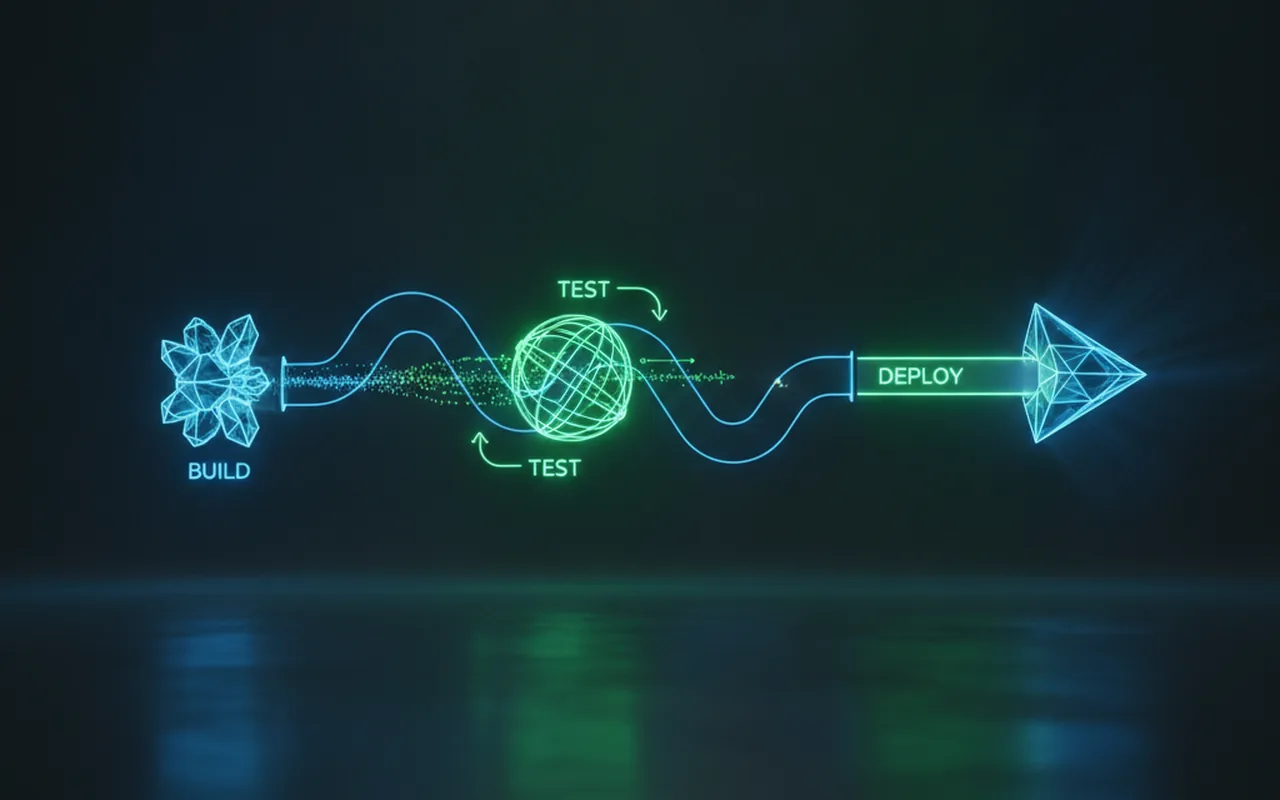
When a developer pushes code to a repository, a webhook can trigger your CI/CD pipeline the instant the push completes. Tests run automatically, staging environments update, and deployment begins — all without anyone clicking a button. This is how modern software teams ship faster: the event is the trigger, not a person.
CRM & Marketing Automation (HubSpot, Mailchimp)
When a contact submits a form on your website, a webhook can add them to a HubSpot sequence, tag them in Mailchimp, and notify the sales team — all within seconds of submission. For marketers wanting an approachable overview of how this automation plumbing fits together, Zapier’s introduction to webhooks covers the non-technical angle well.
Communication & Collaboration (Slack, Teams)
Your monitoring system detects a server anomaly and fires a webhook to a Slack channel. A customer submits a support ticket and Microsoft Teams gets an instant notification. A GitHub pull request is approved and your #deployments channel is updated automatically. These integrations are all webhooks — one event, one POST, one action.
| Industry | SaaS Tool | What the Webhook Does |
|---|---|---|
| Payments | Stripe, PayPal | Notifies your app when a payment succeeds, fails, or is refunded |
| E-Commerce | Shopify, WooCommerce | Fires when an order is placed, fulfilled, or cancelled |
| Dev Workflows | GitHub, GitLab | Triggers CI/CD builds on every code push |
| Marketing | HubSpot, Mailchimp | Adds contacts to sequences when a form is submitted |
| Communication | Slack, Microsoft Teams | Posts a message when a monitored event occurs |
Webhooks vs. APIs — What’s the Difference?
Unlike a REST API where your app requests data on demand — you call it, it responds — a webhook inverts the relationship: the source service calls you. The practical difference in a real product context is enormous.
| Attribute | REST API (polling) | Webhook (event-push) |
|---|---|---|
| Who initiates? | Your app calls the source | Source app calls your endpoint |
| When does data arrive? | On your schedule (may be stale) | Instantly when the event occurs |
| Wasted requests? | Yes — most calls return no new data | No — fires only when something happens |
| Server load | High (frequent polling) | Low (event-triggered only) |
| Best for | Querying data on demand | Real-time event notifications |
In practice, most well-designed applications use both: a REST API for on-demand data retrieval and webhooks for real-time event-driven updates. They solve different problems and complement each other.
What to Ask Your Developer Before Building Webhooks
You don’t need to understand the code. But you do need to know whether the right architecture decisions are being made. These six questions surface gaps quickly and help you evaluate whether your team is thinking about webhooks at the right level of depth — especially when choosing the right event-driven layer for your web app tech stack.
- “How will you authenticate incoming webhook requests?” The gold standard is HMAC signature verification — the sender signs each payload with a shared secret and your endpoint validates that signature before doing anything. Without this, anyone who learns your endpoint URL can send fake payloads. Ask to hear the specific mechanism, not just “we’ll handle it.”
- “What’s the retry strategy if our endpoint is unavailable?” Webhook deliveries fail. Servers go down, networks hiccup. A robust webhook receiver needs retry logic — typically exponential back-off over several hours — and the sender should support retries as well. What happens if your server is down for 20 minutes?
- “How will you handle duplicate deliveries?” Webhook providers sometimes send the same event more than once. Your system must process each unique event exactly once, not once per delivery. This is called idempotency. Ask how duplicate payloads will be detected and discarded.
- “What does the logging and monitoring plan look like?” Every incoming webhook payload should be logged with its event type, timestamp, and processing result. Without logs, debugging why an order update never reached your inventory system is nearly impossible.
- “Will your endpoint respond quickly enough?” Most webhook providers expect a 2xx response within 2–5 seconds. If your processing logic takes longer, the endpoint should acknowledge receipt immediately and hand the payload off to a background queue — not process it synchronously inline.
- “How will we test this before it reaches production?” Most providers offer a test mode or a way to send simulated events. Your team should have a local or staging endpoint that receives test payloads before any live traffic flows through it.
If you want webhooks built into your product from day one, your web application development team should include endpoint design, signature verification, and retry logic in the initial architecture — retrofitting these later is significantly more expensive than building them in from the start.
Common Webhook Pitfalls (and How Good Dev Teams Avoid Them)
No Signature Verification
An unprotected webhook endpoint is an open door. Any server on the internet can POST data to it. Without HMAC signature verification, your system has no way to distinguish a legitimate event from a spoofed one. A payment confirmation webhook without signature verification could be forged to trigger fulfilment of an unpaid order. This is not a theoretical risk — it has happened to real businesses.
No Retry Logic
Network failures and brief server downtime are facts of life. A webhook sender that gives up after one failed delivery will silently drop events your business depends on. The receiver must return a 2xx quickly, and the sender must retry with exponential back-off. Both sides need to be designed with failure as an expected condition, not an edge case.
Processing the Payload Synchronously
If your endpoint receives a webhook and then immediately begins a five-second database operation, the sender may time out waiting for a response — and then retry, sending the same event again. The correct pattern is to acknowledge the webhook immediately (HTTP 200), put the payload into a background queue, and process it asynchronously. This keeps the endpoint fast and the processing reliable.
Not Logging Incoming Payloads
Without an audit log of every received payload — timestamp, event type, payload body, processing status — debugging integration failures becomes guesswork. Was the event sent? Was it received? Did processing fail silently? Logs are the only way to answer these questions after the fact. They are non-negotiable infrastructure for any production webhook integration.
Frequently Asked Questions
What is the difference between a webhook and an API?
An API works on demand — your app calls it and waits for a response. A webhook works in reverse: the source service calls YOUR endpoint the moment an event happens. APIs are pull; webhooks are push.
Do I need to be technical to use webhooks?
No — most SaaS tools let you configure a webhook URL through their dashboard with no code. However, receiving and processing webhook data in a custom application does require a developer to build and maintain the endpoint.
Are webhooks secure?
They can be, if implemented correctly. The gold standard is HMAC signature verification — the sender includes a cryptographic signature with each payload and your server validates it before processing. Without this, anyone who discovers your endpoint URL could send fake data.
What happens if my server is down when a webhook fires?
A well-built webhook system retries delivery — typically with exponential back-off — if the receiver returns a non-2xx response or times out. This retry logic must be designed into both the sender and your receiver to guarantee delivery.
How is a webhook different from a notification or push notification?
A push notification is a message sent to a user’s device (phone, browser). A webhook is a machine-to-machine message: one server notifying another server that something happened. End users never see webhooks directly, but they power the real-time features users do see.