User Acceptance Testing (UAT): A Business Owner’s Checklist Before Going Live

You’ve spent months working with a development team and the software is officially “done” — but is it actually ready for real users? User acceptance testing (UAT) is the final gate between development and your customers, and it’s something every business owner can run without writing a single line of code. This guide gives you a practical, non-technical checklist for planning, running, and signing off on UAT before go-live.
What Is User Acceptance Testing (UAT)?
UAT is the final validation phase where real business users — or their representatives — test software under realistic conditions to confirm it meets actual business needs before it goes live. It is not a technical review; it is a business review. The question being answered is simple: does this system let us do our jobs the way we actually work?
UAT vs. QA Testing — Why You Need Both
Development teams run QA (quality assurance) testing throughout the build to answer the question: “Is the software built right?” That means unit tests, integration tests, and regression checks. UAT answers a different question: “Is the right software built?” — does it match how the business actually operates?
Think of it this way: QA is the factory’s internal quality check before the product leaves the assembly line. UAT is the customer test-drive. Both are necessary, and neither replaces the other. A system that passes every technical test can still fail UAT if a core business workflow is awkward, missing, or misunderstood by the original developers.
What UAT Is NOT
- Not exploratory “break it” testing. UAT follows defined scenarios, not random clicks designed to find unexpected crashes.
- Not performance or load testing. Stress-testing the server under thousands of simultaneous users is a separate, technical phase that happens before UAT.
- Not a replacement for staging. UAT must happen on a staging environment that mirrors production — not on the live system or the development sandbox.
When UAT Fits Into the Development Process
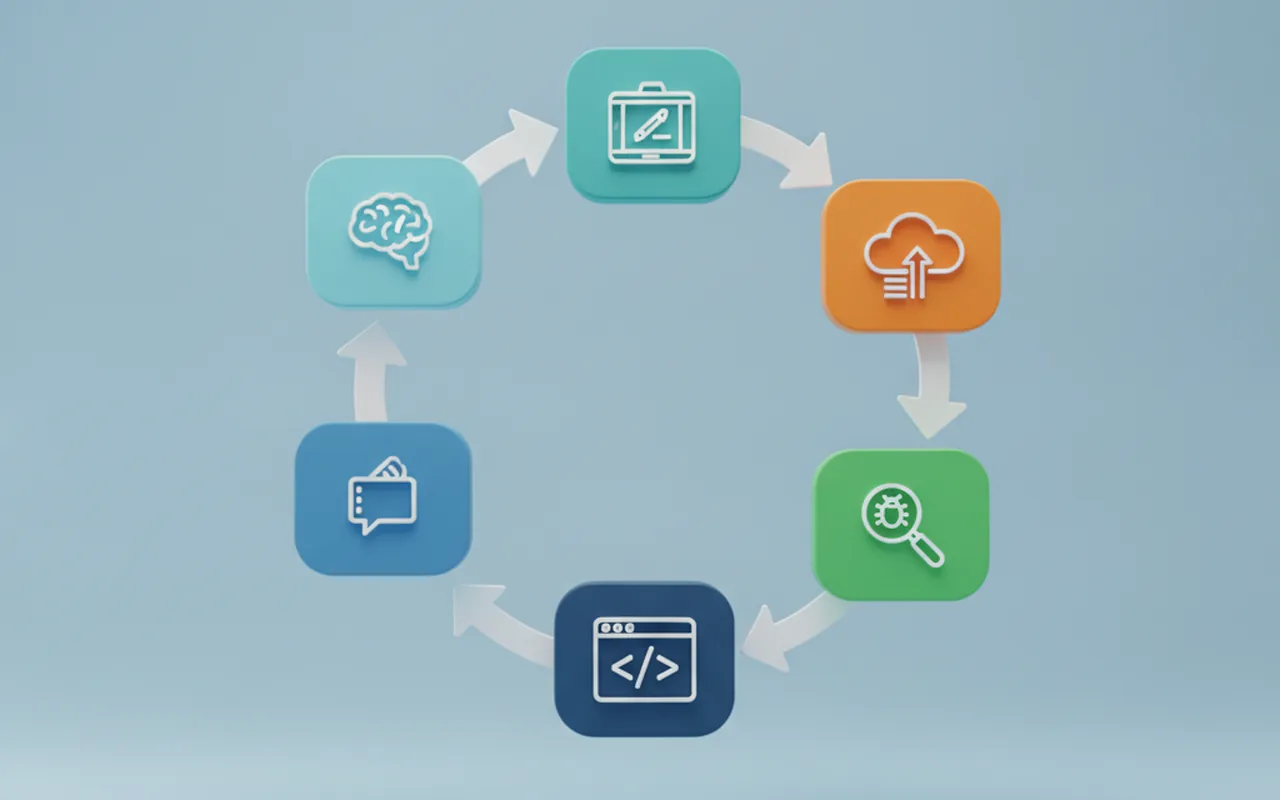
The software development lifecycle includes UAT as the penultimate phase before deployment. After development, unit testing, integration testing, and system testing are complete, the build moves to UAT. Only after UAT sign-off does the team push to production. Skipping or compressing this phase is one of the most common reasons software launches go badly — edge cases that only business users would think to test surface in front of real customers instead of in a controlled environment.
Before You Start — 5 Preparation Steps
Step 1 — Lock Down Your Acceptance Criteria
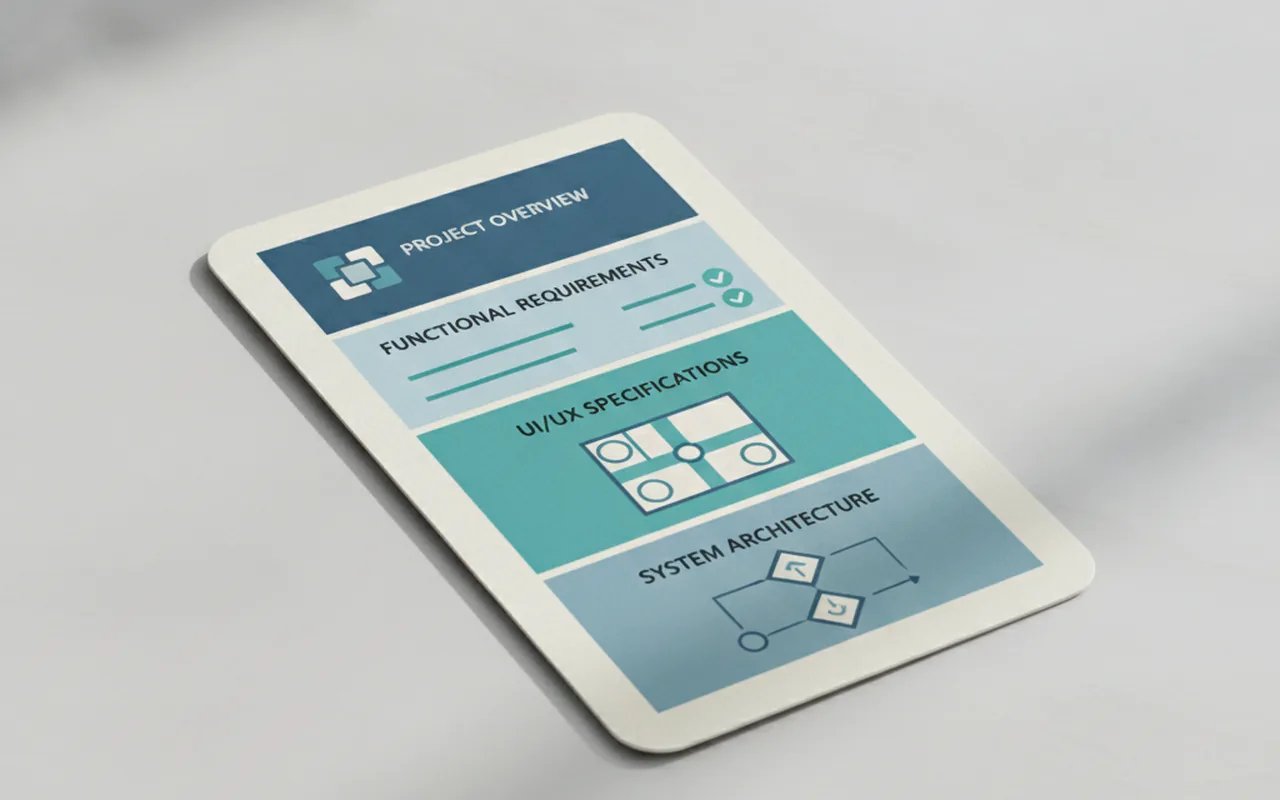
Define “done” before testing begins. If you wrote a software requirements document (SRS) at the start of the project, it becomes your UAT bible — every feature listed there is a testable requirement. If a feature was never documented as a requirement, it cannot be a UAT blocker. This step forces both sides to agree on what the software was supposed to do before anyone judges whether it does it.
Step 2 — Recruit Real Business Users, Not Developers
Who tests: actual end-users — staff, managers, or customer representatives — people who know how the business works, not who built the software. Developers testing their own code is not UAT; it is self-review, and it consistently misses business-logic gaps. Aim for 3–6 testers who represent different roles and levels of technical comfort. Someone who struggles with software is often your most valuable tester.
Step 3 — Set Up a Staging Environment
UAT must happen on an environment that mirrors production as closely as possible: the same database structure, the same integrations, the same configuration. Never test on the live system (real data and real customers are at risk) or the development environment (it is unstable by design). Confirm with your dev team that the build being tested is the exact build that will go to production.
Step 4 — Write Test Scenarios (Not Technical Test Cases)
Business-language scenarios — not code specs. Each scenario describes a real task a user needs to complete:
- “As a store manager, I need to process a return refund for a customer in under 3 minutes.”
- “As an admin, I can add a new user and assign them the ‘editor’ role.”
- “As a sales rep, I can generate a pipeline report filtered by region and export it to CSV.”
Structure each scenario as: Action → Expected outcome → Pass/fail. Keep them short enough that a non-technical tester can follow them without explanation.
Step 5 — Choose a Simple Bug-Logging Method
Google Sheets, Notion, or a shared Trello board works fine for most UAT rounds. Complex bug-tracking tools slow down non-technical testers. Each bug entry needs four things: a plain-language description, steps to reproduce, a screenshot or screen recording, and a severity rating (blocker / major / minor / cosmetic). Set this up before Day 1 — the biggest time drain in UAT is not the testing itself but the back-and-forth caused by vague bug reports.
Running the UAT — What to Test First
Critical Business Workflows (Test These First)
Prioritize by business impact, not technical complexity. If these fail, nothing else matters:
- E-commerce: search → add to cart → checkout → confirmation email → order visible in admin
- SaaS: sign-up → onboarding → first key action → billing trigger
- Internal tool: create record → assign → update status → generate report → export
Run these critical paths first, in sequence, on Day 1. If they pass cleanly, you have confidence in the core. If they fail, you know immediately that go-live is not an option yet.
Edge Cases Only Business Users Catch
Developers test the “happy path” — the scenario where everything goes as planned. Business users instinctively test how the system breaks under real-world conditions:
- What happens if a user enters an unusual format — a date in the wrong locale, a currency amount with a comma, a name with an apostrophe or accent?
- What if a user fills half a form, navigates away, and returns 30 minutes later?
- What if two users attempt to edit the same record simultaneously?
- What happens at the end of a month when reports span two billing periods?
These are the scenarios that will hit you in production if UAT does not catch them first. Your team knows your edge cases better than any developer ever could.
What to Leave for QA, Not UAT
Performance under load, security penetration testing, and automated regression suites are QA territory — technically specialized work that requires dedicated tools and expertise. UAT is about business logic and workflow validation. If your testers find a page that loads slowly under normal conditions, log it. But do not attempt load testing during UAT; that should already be done.
The UAT Go-Live Checklist (10 Gates)
- All critical business workflows pass end-to-end without workarounds or developer assistance.
- Data saves correctly and appears correctly on retrieval — no phantom records, no missing fields.
- User roles and permissions work as specified: admin vs. editor vs. viewer can only do what they should.
- Email and notification triggers fire at the right moments — order confirmations, password resets, alerts.
- Error messages are helpful, not cryptic. “Please enter a valid date (DD/MM/YYYY)” beats “Error 422.”
- Mobile and responsive layout works on target devices, if applicable.
- Integrations — CRM, payment processor, analytics — are receiving and sending data correctly.
- All content is correct: no placeholder text, no lorem ipsum, no wrong brand copy or outdated pricing.
- The software visually matches the designs and mockups you approved.
- Every test scenario from your plan can be completed without developer involvement.
This checklist is intentionally output-focused. Each item either passes or fails. If any item fails, it gets logged with a severity rating before the team decides whether it blocks go-live.
Bug Severity — What to Fix Before Launch vs. What Can Wait
| Severity | Definition | Go-live decision |
|---|---|---|
| Blocker | Core workflow completely broken — cannot complete the task | Fix before launch, no exceptions |
| Major | Important function impaired; a workaround exists but it is painful | Fix before launch |
| Minor | Non-critical issue with an acceptable workaround | Can defer to the next sprint |
| Cosmetic | Visual glitch, spelling error, icon alignment | Log and schedule for v1.1 |
A useful rule of thumb: if a blocker or major bug affects more than 20% of user journeys, do not go live. Pressure to ship on a calendar date is real, but a broken checkout flow or a data-loss bug discovered by a real customer is almost always more expensive than a short delay.
UAT for Mobile Apps — Extra Considerations
Mobile app UAT adds a layer of complexity that web-based software does not have: device fragmentation, operating system version differences, and app store review cycles that are out of your control.
Key checks specific to mobile UAT:
- Test on at least 2 iOS devices and 2 Android devices — the latest model and one generation old — to catch rendering and API issues that do not appear on a single device.
- Check offline behaviour: what happens when the user loses signal mid-task? Does the app recover gracefully or lose their work?
- Verify deep links and push notification flows end-to-end, not just on paper.
- Confirm that App Store and Google Play metadata — screenshots, description, age rating — is prepared and approved before submission. Metadata reviews can add days.
- Build App Store review time (typically 1–3 days for iOS) into your launch timeline. A go-live date that assumes zero review time is a go-live date that will slip.
If you are working with an experienced mobile app development team, they should provide a device test matrix and guide you through this checklist as part of the delivery process. For platform-specific submission standards, refer to the official Apple App Store Review Guidelines.
Signing Off on UAT — How to Make It Official
Do not let UAT end with a “looks good” in Slack. A formal sign-off document protects both sides and creates a clear record of what was accepted and under what conditions. It should include:
- Which build version was tested (commit hash or release number)
- Who participated in testing and their roles
- Which test scenarios passed, which were deferred, and why
- A list of known open issues and their agreed severity levels
- A written acceptance statement — email is sufficient — stating that the client accepts the build for production deployment
In a fixed-price software contract, UAT sign-off typically triggers the final payment milestone — so both sides have a strong incentive to define acceptance criteria clearly upfront. Ambiguity at the requirements stage becomes expensive disagreement at the sign-off stage. The cleaner your SRS and your acceptance criteria, the smoother UAT will be.
FAQ
What is user acceptance testing in simple terms?
UAT is the last step before software goes live, where real business users confirm the system works the way the business actually needs it to — not just the way developers thought it should. It answers the question: “Does this do what we hired you to build?”
Who should perform UAT — the client or the developer?
UAT must be performed by the client — business users or their representatives — not the developer team. Developers testing their own output creates a conflict of interest and consistently misses business-logic gaps that only end-users would encounter in practice.
How long does UAT typically take?
For a mid-size project with a 3–6 month build, budget 1–2 weeks for UAT. Larger enterprise projects typically need 4–6 weeks. The biggest time drain is not the testing itself but logging and triaging bugs — setting up your tracking system before Day 1 will save you days of back-and-forth.
What happens if critical bugs are found during UAT?
The development team fixes blockers and major bugs, you re-test those specific scenarios (called regression UAT), and then re-evaluate go-live readiness. In a fixed-price contract, the fix cost is typically covered within the agreed scope. In a time-and-materials engagement, you pay for fix hours — which is one more reason to define acceptance criteria precisely at the project start.
What is the difference between UAT and beta testing?
Beta testing involves real end-users outside your organization using an early release in their own environment, usually without defined pass/fail criteria. UAT is an internal gate with specific scenarios that must pass before any public release. UAT comes first; beta can follow as a soft-launch validation step if your product and timeline call for it.