Perplexity Launches Hybrid Compute on Mac: Local AI Meets Privacy
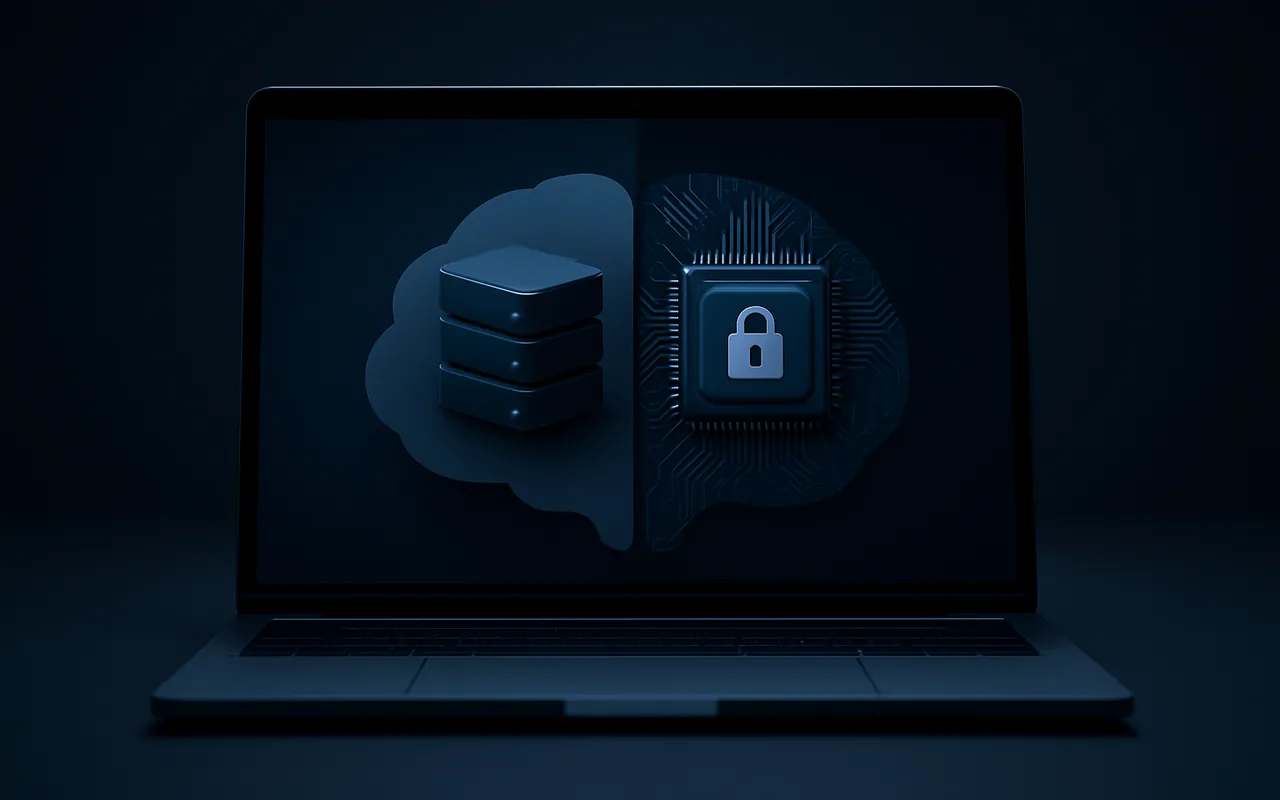
On September 1, 2026, Perplexity shipped a feature that directly addresses the biggest friction keeping businesses from using AI tools with sensitive data: Hybrid Compute. Available now for its Mac app, it splits every AI Computer task between frontier cloud models and a local model running directly on Apple Silicon — so your names, account numbers and confidential files never have to leave your machine.
For teams using Perplexity as part of their day-to-day research or agentic workflows, the shift matters. Until now, every prompt went to the cloud unfiltered. With Hybrid Compute, an on-device classifier intercepts each task first, flags personally identifiable information, and routes only the safe, anonymized portion to frontier models. The sensitive slice stays local.
What is Hybrid Compute?
Hybrid Compute is Perplexity's approach to splitting AI computation between two environments in a single session:
- Cloud (frontier models): Handles reasoning, web search, planning and tasks that benefit from Perplexity's most capable models.
- Local (on-device model): Processes private files, performs on-device system actions (like navigating apps or reading local documents), and handles any data the PII classifier flags as sensitive.
The two environments collaborate on each task. A request like "summarize this contract and check the current market rate for that service" would see the local model read and anonymize the contract, pass only the anonymized query to the cloud for the market lookup, then merge both results into a final answer — without the contract text ever touching a remote server.
According to Perplexity's official announcement, the feature launches with three local models: Gemma 4 E4B, Qwen3.6 35B-A3B, and a Perplexity-post-trained model optimized specifically for Perplexity Computer tasks.
How the PII classifier works
The key piece of the privacy architecture is an on-device PII classifier that Perplexity has open-sourced, developed in collaboration with its Secure Intelligence Institute. Before any task leaves the Mac, the classifier scans for:
- Names and personal identifiers
- Email addresses and phone numbers
- Account numbers and financial data
- Privileged or confidential file content
When sensitive information is detected, the user is shown a prompt with three choices: keep the entire slice local, mask the details before sending to the cloud, or send it unmasked anyway. It is not a silent filter — the decision stays with the user.
Perplexity replaces detected PII with stand-ins before the cloud call, then restores them in the final answer. The result is that the frontier model reasons over anonymized data, while the original values appear correctly in the response the user sees.
System requirements
Running a 35B-parameter model locally puts real demands on hardware. The requirements are specific:
| Requirement | Minimum spec |
|---|---|
| Chip | Any Apple Silicon (M1 or later) |
| macOS | macOS 15 (Sequoia) or later |
| Unified memory | 24 GB or more |
| Perplexity plan | Pro, Max, or Enterprise |
The 24 GB memory floor effectively limits Hybrid Compute to M2 Pro / M3 Pro machines and above, or any M1/M2 Max/Ultra configuration. The M1 base MacBook Pro with 16 GB does not qualify. Perplexity says future updates will bring support to lower-memory configurations as model quantization improves.
Why this matters for businesses using AI
The compliance and legal friction around cloud AI tools is real. Many teams — legal, finance, HR, healthcare — cannot send client files or employee data to third-party cloud APIs without triggering GDPR obligations, attorney-client privilege concerns, or internal security policy violations. That friction has slowed AI adoption in exactly the departments where the efficiency gains would be largest.
Hybrid Compute does not fully eliminate that friction (the cloud component still exists), but it changes the calculus meaningfully. When the sensitive portion of a task never leaves the device, many of the compliance objections disappear. A lawyer can ask Perplexity to research case law based on details from a privileged document. An HR manager can use Perplexity Computer to draft a performance review referencing actual records. A finance team can analyze internal forecasts alongside live market data.
For context on how Perplexity has been expanding its hardware and agentic ambitions beyond the browser, see our earlier report on Perplexity's portable local AI computer. Hybrid Compute is a software complement to that hardware-first strategy.
On-device AI and the broader trend
Perplexity is not the only company moving in this direction. Apple has embedded on-device AI models in iOS 18 and macOS 15 through Apple Intelligence — routing sensitive tasks to Private Cloud Compute when local models fall short. Microsoft has positioned Copilot+ PCs around NPU-accelerated local inference. Google has shipped on-device Gemini Nano to Pixel and certain Android devices.
The shared logic is the same: frontier reasoning needs cloud scale, but private data needs local processing. Hybrid Compute is Perplexity's explicit acknowledgment that the two requirements are not mutually exclusive — they just need a smarter router between them.
This trend has direct implications for software products being built today. On-device ML is no longer a niche capability for specialized apps; it is becoming a baseline expectation for any product that handles user data. Teams working with a dedicated mobile app development team are increasingly specifying local inference as a privacy requirement from the start — handling PII on-device and only reaching the cloud for model capabilities that genuinely need it.
Cloud-only vs Hybrid Compute: what changes
| Capability | Cloud-only AI | Hybrid Compute |
|---|---|---|
| Sensitive data handling | All data sent to cloud | PII stays on device |
| Compliance posture | Cloud data processing rules apply | Local processing reduces scope |
| Frontier model access | Full | Full (for non-sensitive tasks) |
| Web search / live data | Yes | Yes (via cloud component) |
| Local file actions | Requires upload or API | Native, on-device |
| PII transparency | None | User prompted before cloud transfer |
| Hardware requirement | Any device | Apple Silicon, 24 GB RAM, macOS 15 |
How to enable Hybrid Compute
If you meet the hardware and plan requirements, enabling Hybrid Compute in the Perplexity Mac app is straightforward:
- Open the Perplexity Mac app and go to Settings.
- Navigate to Computer Agent or Privacy settings.
- Toggle Hybrid Compute on.
- Choose your preferred local model (Gemma 4 E4B for speed, Qwen3.6 35B for capability).
- Run a task that involves a local file — the PII classifier will activate and prompt you on first detection.
The local model downloads on first use. Depending on your connection speed and which model you select, the initial download can take several minutes. After that, local inference runs fully offline for on-device tasks.
What Perplexity Pro subscribers get
Hybrid Compute is included at no extra cost for active Pro, Max, and Enterprise plans. There is no separate add-on or usage limit specific to Hybrid Compute beyond the standard plan limits. Enterprise subscribers also get access to admin controls to enforce which data categories are always kept local — useful for organizations that want to set a policy rather than relying on individual user decisions.
Free users do not have access to Perplexity Computer in any form, so Hybrid Compute is not available to them. For teams evaluating whether to upgrade, the privacy tier it adds to agentic workflows is now a concrete differentiator alongside the model quality.
Implications for AI search and GEO
Perplexity's expansion of its computer agent capabilities matters for anyone thinking about AI search optimization. The more capable Perplexity's agent becomes at reading and processing real-world documents — contracts, research reports, financial filings — the more its answer quality improves in professional and B2B contexts. That means Perplexity is increasingly competing not just with Google for consumer queries, but with specialized research tools in enterprise settings.
For brands and publishers that want to be cited by Perplexity, the implication is the same as it has always been: produce authoritative, clearly sourced, structured content that holds up as a reference. Hybrid Compute does not change citation mechanics, but it expands the use cases in which Perplexity is the tool a professional reaches for — which means more opportunities for your content to be the source it surfaces.
FAQ
Does Hybrid Compute mean my data never goes to the cloud?
Not entirely. The cloud component still handles reasoning, web search and planning for non-sensitive tasks. What Hybrid Compute ensures is that data flagged by the on-device PII classifier — names, account numbers, privileged file content — does not reach the cloud unless you explicitly choose to send it.
Which Macs support Hybrid Compute?
Any Apple Silicon Mac (M1 or later) running macOS 15 with at least 24 GB of unified memory. In practice this means M1 Pro/Max/Ultra, M2 Pro/Max/Ultra, M3 Pro/Max/Ultra, and M4 variants with 24 GB or more. The base M1, M2 and M3 MacBook Air with 16 GB RAM do not qualify.
Is the PII classifier accurate enough to trust?
Perplexity has open-sourced the classifier and had it reviewed by its Secure Intelligence Institute, but no classifier is perfect. Perplexity's own guidance treats it as a gate that catches the most common PII patterns — not a guarantee that every sensitive data point will be flagged. For highly regulated industries, legal review of what is and isn't caught remains advisable.
Can I use Hybrid Compute on Windows or Linux?
No. Hybrid Compute is Mac-only at launch. Perplexity has not announced a timeline for Windows or Linux support, likely because the feature is tightly integrated with Apple's Core ML stack and the unified memory architecture of Apple Silicon.
Does this affect Perplexity's search quality?
For standard web queries, no — those continue to use cloud models as before. Hybrid Compute only activates for Perplexity Computer tasks that involve local files or on-device actions. Search and answer quality for regular prompts is unchanged.