Google Play's October 2026 AI Discovery Update: What It Means for Android Developers
Google rolled out a broad set of Google Play updates on October 13, 2026, centered on AI-driven discovery: Ask Play app comparisons, a personalized Game Finder, and deeper integration with Play in Gemini, which has already driven over 6 million app installs in its first two months. Google also disclosed that its Play "You" tab has crossed 250 million monthly active users, and that its unified gaming profile system now connects more than 700 million gamer accounts.
For Android teams, the headline isn't any single feature — it's that Google Play's discovery surface is quietly becoming a second search engine, one that reads your store listing, your reviews, and your metadata the way an LLM reads a web page. That shift changes what "store listing optimization" actually means heading into 2027, and it's exactly the kind of moving target an experienced Android app development team tracks as part of keeping a published app competitive, not just shipped.
What actually shipped on October 13
Three discovery features and one business-growth program update landed together:
- Ask Play app comparisons — dynamic, side-by-side comparisons generated directly in search results, summarizing store listings and user reviews so shoppers can compare subscription models, offline support, and other details without opening each app individually.
- Game Finder — recommendations built from a player's "Gamer DNA" (play habits, favorite mechanics, community reviews), rolling out first to English-language users in the US, with explanations for why each title was suggested.
- Play in Gemini — conversational app discovery inside Gemini, now including Gemini Live for voice-based recommendations and one-tap install.
- Sidekick Playbacks and Sprints — 30-second gameplay clip capture (Sidekick has reached over 285 million users) and 48-hour skill-matched competitive challenges, aimed at engagement rather than discovery.
Google also reported early results from its Level Up program: PUBG MOBILE saw a 22% uplift in new installs from high-value players and a 62% uplift in spend per buyer among engaged players after enrolling, with the program now live in Australia, Japan, the EEA, the UK, and the US.
Why this reads like search, not just a store refresh
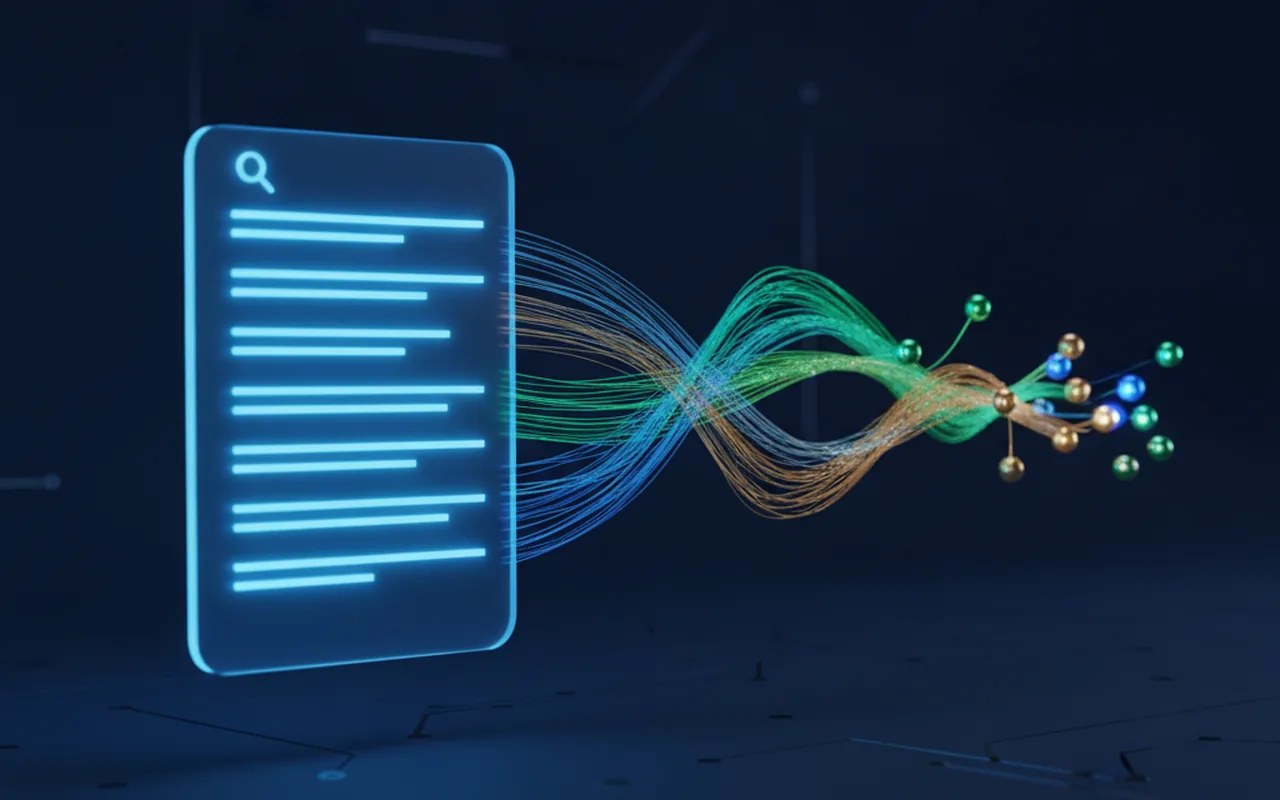
Ask Play and Play in Gemini both summarize and synthesize listing content rather than simply ranking it. That means the inputs an AI layer pulls from — your short description, your long description, screenshots, and especially your review text — now function less like static marketing copy and more like source material for an answer engine. A listing written for a human scanning five screenshots and a 100-word blurb is not automatically optimized for a model generating a comparison paragraph across three competing apps.
This mirrors a pattern Android and web teams have already seen with AI Overviews and AI Mode in regular Google Search: surfaces that synthesize answers change what "ranking well" requires, shifting weight toward clear, factual, comparison-friendly content over keyword-stuffed copy.
A practical checklist for your next release
| Area | Why it matters now | Action |
|---|---|---|
| Store listing copy | Ask Play summarizes your description into comparison text | Write factual, specific claims (pricing, offline support, platform limits) that paraphrase cleanly |
| Review management | Ask Play draws on user reviews, not just your copy | Respond to recent reviews and resolve recurring complaints before a comparison cites them |
| Media assets | Game Finder and Ask Play both surface screenshots in results | Keep screenshots current with the live build, not a launch-day set |
| Deep links | Conversational discovery routes users straight into specific app flows | Validate deep links with Play Console's built-in emulator before each release |
| Engage SDK | Powers personalized content surfaces across 9 categories, including Education and Health & Fitness | Integrate or update Engage SDK feeds if your category is supported |
None of this requires a rebuild. It does require treating your Play Store listing as a living content asset reviewed every release, not a one-time setup task from launch day — the same operational shift that search teams went through when AI Overviews started summarizing web pages instead of just linking to them.
What this means if you're planning a new app or a major update
Teams scoping a new Android release in the next few months should budget time for listing and ASO work alongside engineering, not after it. That's a natural fit for a dedicated Android development engagement that owns both the build and the store presence end to end, rather than treating the listing as a marketing afterthought bolted on right before submission.
It's also worth revisiting your mobile app development process checklist to confirm that ASO and listing QA have an explicit step before each release — the kind of gap that's easy to miss when a team is focused on shipping the build itself.
Frequently asked questions
What is Ask Play and when did it launch?
Ask Play is a Google Play feature that generates dynamic, side-by-side app comparisons directly in search results, summarizing store listings and user reviews. It launched as part of a broader Google Play update on October 13, 2026.
Does Play in Gemini replace the regular Google Play Store search?
No. Play in Gemini adds a conversational discovery path inside Gemini, including voice-based recommendations through Gemini Live, alongside the existing Play Store search and browse experience. Google reports over 6 million installs through this surface in its first two months.
Do I need to change my app's code to benefit from these updates?
No code changes are required to appear in Ask Play comparisons or Game Finder results. The features draw on your existing store listing, screenshots, and reviews, though teams with weak or outdated listing copy are more likely to be summarized unfavorably against competitors.
What is the Engage SDK and do I need it?
Engage SDK lets apps deliver personalized content directly into Play's discovery surfaces across nine supported categories, including Education and Health & Fitness. It's optional, but relevant if your app falls into one of the supported categories and you want deeper placement in curated surfaces.
Where is Game Finder available?
Game Finder is rolling out first to English-language users in the United States, with Google stating additional markets will follow.