App Store Optimization: The Complete ASO Guide for 2026

TL;DR: App Store Optimization (ASO) is the practice of improving an app's visibility and conversion rate inside the App Store and Google Play search and browse results. It works by aligning keywords, metadata, and visuals with what the store's ranking algorithm and real users respond to. Marketing can run most of ASO alone — but tactics like custom product pages and App Store Connect configuration require an iOS development team that can turn ASO findings into shipped product pages, not just a marketer with store-listing access.
What Is App Store Optimization (ASO)?
App Store Optimization is the ongoing process of improving an app's ranking and click-through rate inside app-store search results, browse/category pages, and "similar apps" recommendations. It covers everything a store lets you control: the app's title and subtitle, its keyword field or description, the icon, screenshots, preview video, category, and — indirectly — its rating and review volume.
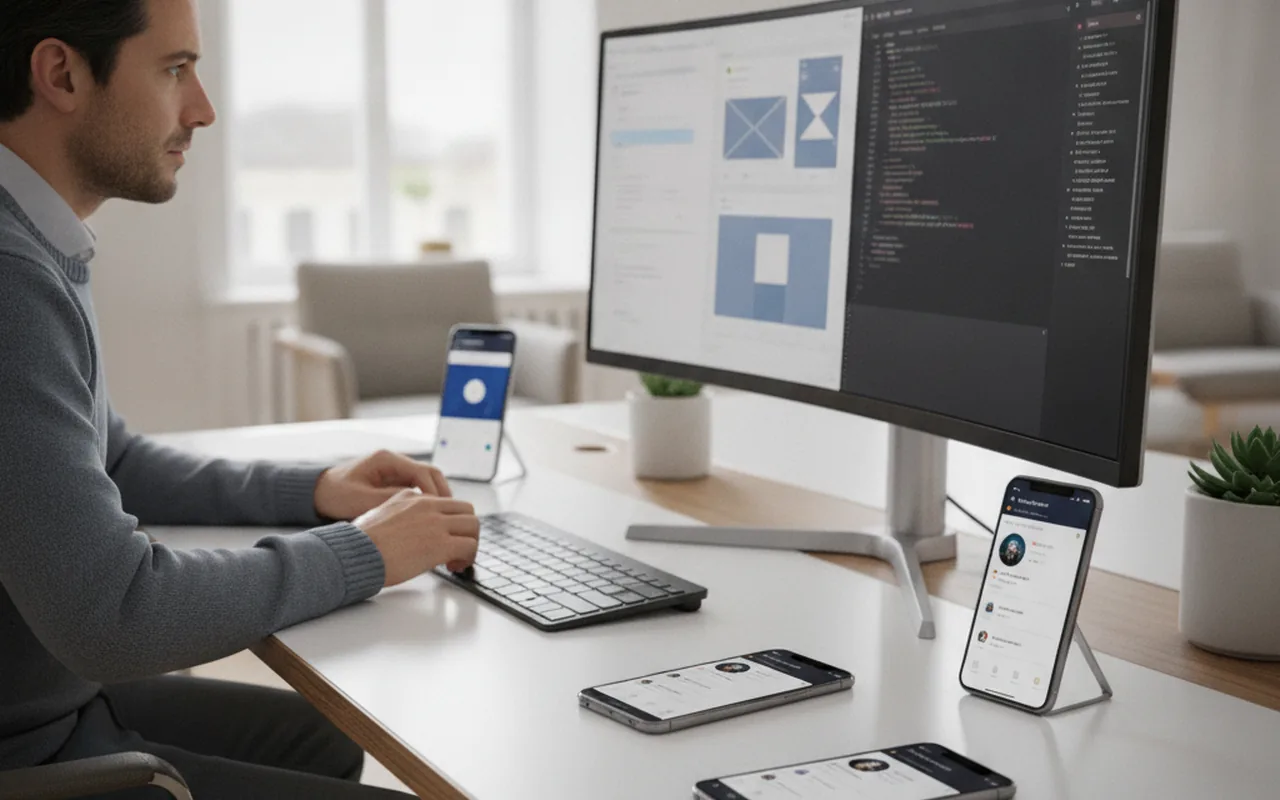
ASO sits at the intersection of marketing and product. Keyword and metadata work is a marketing task. Shipping a new icon, localized screenshots, or a custom product page is a build task that needs a developer to implement and submit through App Store Connect or the Google Play Console.
ASO vs. Traditional SEO: What's Different
ASO and SEO share the same underlying goal — be visible when someone searches for what you offer — but the mechanics diverge in a few important ways:
| Element | Web SEO | App Store Optimization |
|---|---|---|
| Ranked unit | A page with full-text content | A listing with a short, field-limited metadata set |
| Primary ranking input | Backlinks, content depth, on-page signals | Keyword fields, install velocity, ratings, retention |
| Conversion surface | The page itself | Icon, screenshots, video, and rating shown before install |
| Algorithm visibility | Partially documented (Search Central) | Mostly a black box, platform-specific |
| Update cadence | Can change content any time | Metadata changes require a listing update; visuals need a build or listing-only update |
How Does App Store Optimization Work?
Neither Apple nor Google publishes a full ranking formula, but years of testing by app marketers point to a consistent pattern: both stores weigh keyword relevance in indexed fields, how often the app is downloaded and how quickly, and how people behave after they land on the listing — whether they tap through, install, and keep using the app.
What the App Store and Google Play Algorithms Actually Weight
- Keyword relevance — whether the search term appears in indexed fields (title, subtitle/short description, and on iOS, the hidden 100-character keyword field).
- Download velocity — a sudden increase in installs, especially from organic search, is treated as a demand signal.
- Conversion rate — the ratio of listing views to installs; a listing that converts well is rewarded with more impressions over time.
- Ratings and review recency — a high average rating with a steady stream of recent reviews signals quality and trust.
- Retention and engagement — both stores increasingly factor in what happens after install, not just whether the install happened.
- Localization — a listing localized into the searcher's language and region typically outranks an un-localized one for local-language queries.
iOS App Store vs. Google Play: Ranking-Factor Differences
The two stores reward slightly different inputs. Apple gives you a dedicated, invisible keyword field and weighs the title and subtitle heavily, while Google indexes the full visible description — meaning keyword placement and repetition inside the long description still matter on Android in a way they don't on iOS. Google Play also makes update frequency and install-base size more visible ranking contributors, while Apple's algorithm leans harder on conversion rate and ratings velocity. Practically, this means your iOS and Android ASO plans should share a keyword strategy but use different execution tactics for where those keywords actually go.
Why ASO Still Matters in 2026
Paid user acquisition costs have kept climbing across both stores, and organic store search remains one of the few channels where a well-optimized listing keeps paying off without a growing ad budget. Store search is also still how most people discover a specific app once they already know the problem they want solved — a different intent than a general web search, and one that converts at a meaningfully higher rate when the listing is built to match it. Treating the app-store listing as a living asset, not a one-time submission, is what separates apps that keep compounding organic installs from apps that plateau after launch.
How to Build an ASO Strategy: 8 Steps
Step 1: Do Keyword Research Per Market and Platform
Start from how users actually phrase their search, not from internal product language. Pull keyword ideas from autosuggest inside both stores, from competitor listings in your category, and — for iOS specifically — from Apple Search Ads keyword-volume data, which is one of the few sources of real iOS search-demand numbers. Build a separate keyword set for each market you localize into; direct translation of English keywords routinely misses how a term is actually searched in another language.
Step 2: Optimize Title, Subtitle, and Short Description
The title carries the most ranking weight on both platforms, so lead with your brand name plus one or two of your highest-value keywords rather than a generic tagline. On iOS, use the subtitle and the hidden keyword field for additional terms without repeating words already in the title — repetition there is wasted character budget. On Google Play, the short description is indexed and visible, so it needs to read naturally while still containing a priority keyword.
Step 3: Design Screenshots and a Preview Video That Convert, Not Just Inform
Screenshots are the single biggest lever on install conversion rate because most users decide within the first two or three images. Lead with the outcome the app delivers, not a plain feature list, and add short captions that work even with the volume off. A 15–30 second preview video that shows the core interaction in the first few seconds consistently outperforms a feature-tour edit.
Step 4: Choose the Right Category and Localize the Listing
Category choice affects both browse discovery and your competitive set for featuring — a crowded primary category can bury a strong app, while a well-chosen secondary category can surface it to a more targeted audience. Localization goes beyond translating text: it includes locale-specific screenshots, currency and region-appropriate messaging, and, where relevant, culturally adapted imagery.
Step 5: Build a Ratings and Reviews Loop
Prompt for a rating after a clear moment of success in the app — not on first open — and never before the user has had a chance to experience value. Respond to reviews, especially negative ones that flag a fixable bug; a visible response pattern improves both trust signals and, on Google Play, developer-reply visibility in the listing itself.
Step 6: Run Structured A/B Tests on Metadata and Creatives
Both stores offer native experimentation tools — Google Play's store listing experiments and Apple's product page optimization — that let you test icon, screenshots, and preview video variants against a live traffic split. Test one variable at a time, run until you hit statistical significance, and treat the winner as the new baseline rather than stopping after the first lift.
Step 7: Use Custom Product Pages for Different Acquisition Channels
Custom product pages — Apple's and Google's native features for showing a different icon, screenshots, or messaging depending on where the traffic came from — are one of the highest-leverage ASO tactics available in 2026, and also where ASO stops being a pure marketing task. Building and shipping product-page variants, wiring them to the right App Store Connect configuration, and keeping them in sync with build releases is implementation work best handled by a development team rather than a marketer fighting App Store Connect's configuration surface alone.
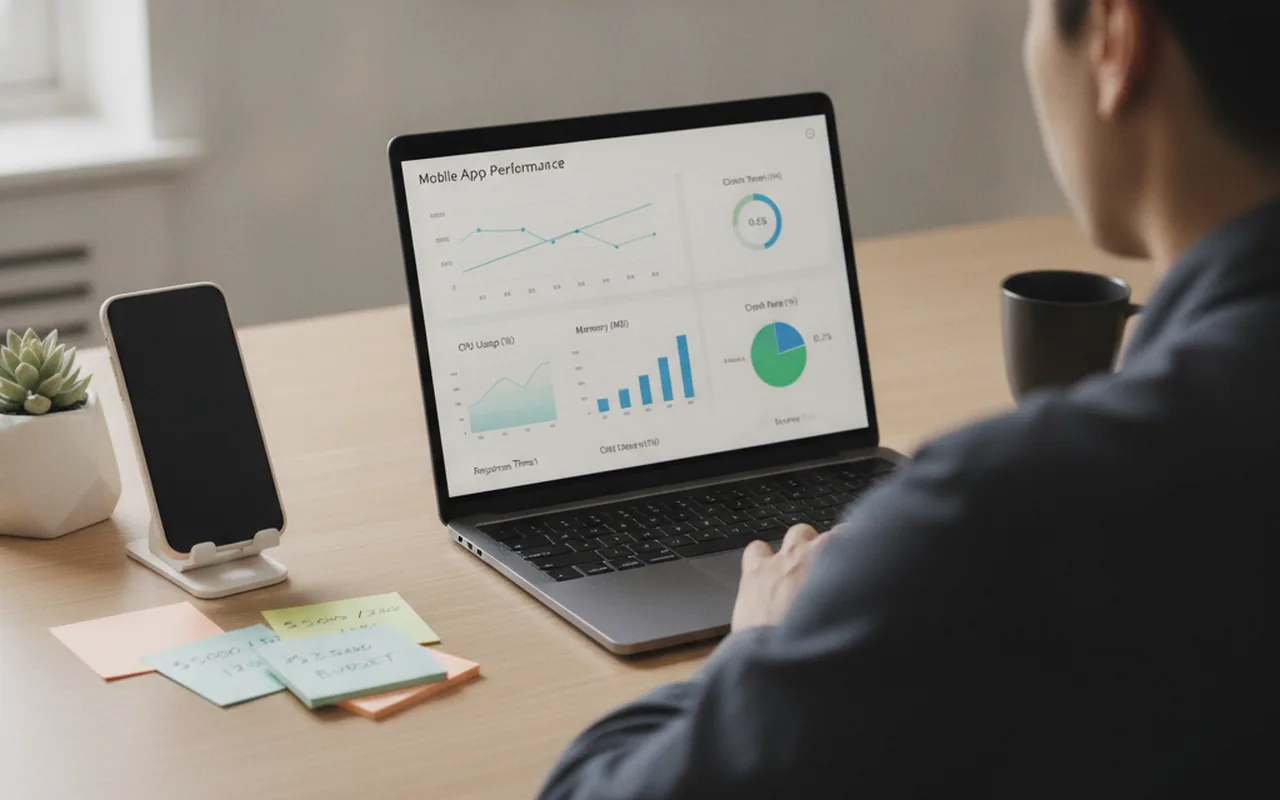
Step 8: Monitor Rankings, Conversion Rate, and Iterate Monthly
ASO is not a launch-week checklist — it's a monthly cycle. Track keyword rank movement, listing conversion rate, and review velocity, then feed what you learn back into the next round of metadata or creative changes.
Is ASO Different for Games vs. Business Apps?
Yes, in emphasis more than mechanics. Games tend to win on visual impact — the icon and the first screenshot carry most of the conversion weight, and category/genre keywords (puzzle, roguelike, idle) drive a large share of discovery search volume. Business and utility apps convert more on trust and clarity: screenshots that show a specific workflow outcome, a visible rating, and a description that answers "does this do the specific thing I searched for" tend to outperform purely visual creative in that category.
Common ASO Mistakes That Waste Downloads
- Targeting the wrong keywords. Chasing high-volume terms with weak relevance brings in users who uninstall fast, which depresses your retention signal and hurts future ranking.
- Poor-quality visual assets. Screenshots that look like raw feature dumps, or an icon that doesn't read clearly at a small size, quietly cap conversion rate no matter how strong the keyword ranking is.
- Treating ASO as a one-time setup. A listing optimized once at launch and never revisited loses ground as competitors iterate and seasonal search behavior shifts.
How to Measure ASO Success
Avoid judging ASO by download count alone — it conflates organic and paid traffic and hides where the real gains are coming from. Track these instead:
- Impression-to-page-view rate — how often a search impression turns into someone actually opening your listing; a weak ratio usually points to a title or icon problem.
- Page-view-to-install rate — your core conversion metric, most directly influenced by screenshots, video, and ratings.
- Keyword rank movement — tracked per keyword, per store, per market, since a single blended "visibility score" hides which specific terms are moving.
- Organic vs. paid install split — both stores let you separate search-organic installs from paid and referral traffic; a healthy ASO program should grow the organic share over time, not just total installs.
Store-side analytics (App Store Connect and Google Play Console) are the primary data source for all four metrics, and both are necessary — neither store's console shows you the other platform's numbers.
FAQ
Is ASO different for games vs. business apps?
Mechanically no, but emphasis shifts: games lean more on visual/icon impact and genre keywords, while business and utility apps convert more on trust signals like ratings and workflow-specific screenshots.
How long does ASO take to show results?
Metadata changes can shift keyword rank within days to a few weeks as the store re-indexes the listing, but conversion-rate gains from creative testing and the compounding effect of a healthy ratings loop typically take a full release cycle or two to show clearly.
Do I need a dedicated ASO person?
Not necessarily at launch — a marketer can run keyword research, metadata, and A/B testing. As the app scales into multiple markets and custom product pages, the work increasingly needs a developer in the loop for implementation, which is when pairing marketing with a development team pays off.
Does ASO help with App Store Connect's newer AI-driven discovery surfaces?
Store search is increasingly feeding AI-assisted discovery and recommendation surfaces inside both App Store and Google Play, and those surfaces still draw on the same underlying signals — clear metadata, strong conversion rate, and healthy ratings — so a solid ASO foundation benefits both classic search and newer discovery features rather than requiring a separate strategy.