Google Ask Advisor Goes Agentic: What the New AI Tools in Ads and Analytics Mean for Marketers

On August 10, 2026, Google announced a significant expansion of its Gemini-powered marketing assistant, pushing Ask Advisor from a Q&A tool into something that can take action across Google Ads, Google Analytics, Merchant Center, and the Google Marketing Platform. Three concrete features dropped alongside the announcement: AI Overviews inside Analytics, natural-language Dashboards in Google Ads, and a Benchmarking tool that lets you compare your performance against competitors. Search Engine Land and MediaPost both confirmed the rollout on the same day.
If you manage Google Ads or Analytics at any meaningful scale, these updates shift how you start your day, how you diagnose problems, and how quickly you can move from an insight to an action inside the Google stack. Here is what each feature actually does and what it means in practice.
What Ask Advisor Is (and Where It Started)
Ask Advisor was introduced at Google Marketing Live 2026 as a unified AI collaborator — a single assistant that could sit across Google's marketing products and translate natural-language questions into campaign actions, report pulls, or optimization recommendations. The pitch was that you would not need to context-switch between Ads, Analytics, and Merchant Center to piece together a full picture of performance.
In practice, the May rollout gave marketers a capable chatbot inside Ads: you could ask "why did my CPC jump last Tuesday?" and get a structured answer from campaign data. What it could not do was act on its own — pull a dashboard together, surface a proactive summary, or give you a leg up on competitor performance without you typing the prompt. The August update changes all three of those limitations.
Feature 1: AI Overviews on the Google Analytics Homepage
The most immediately visible change is in Google Analytics. When you open Analytics, you now see an AI Overview at the top of the homepage — a Gemini-generated summary of what has changed since you last logged in. Think of it as the briefing you used to have to construct manually by poking through reports.
Google says the AI Overview does three things:
- Summarises key performance shifts — traffic gains or drops, conversion rate changes, revenue anomalies — at a glance.
- Contextualises those shifts — flagging whether a spike is likely seasonal, tied to a campaign, or unusual compared to recent trend.
- Recommends next steps — linking directly to the relevant Ask Advisor prompt or Analytics report so you can drill deeper without having to navigate yourself.
This matters most for teams that check Analytics every morning across multiple properties. Instead of manually comparing this week to last week for each account, the AI does the delta work and surfaces what actually deserves attention. If you already use GA4 to track AI search traffic from ChatGPT, Perplexity, and Gemini, the AI Overview will now surface changes in those channels the same way it surfaces organic or paid shifts.
The feature is rolling out gradually — it is not live for all accounts on day one.
Feature 2: AI Dashboards in Google Ads (Analytics Coming Soon)
The second feature targets a chronic pain point: building performance dashboards. Google Ads has a custom columns and reporting editor, but anyone who has tried to create a multi-metric view with correct date comparisons, segmented by campaign type, knows it can eat 20 minutes before you have anything worth looking at.
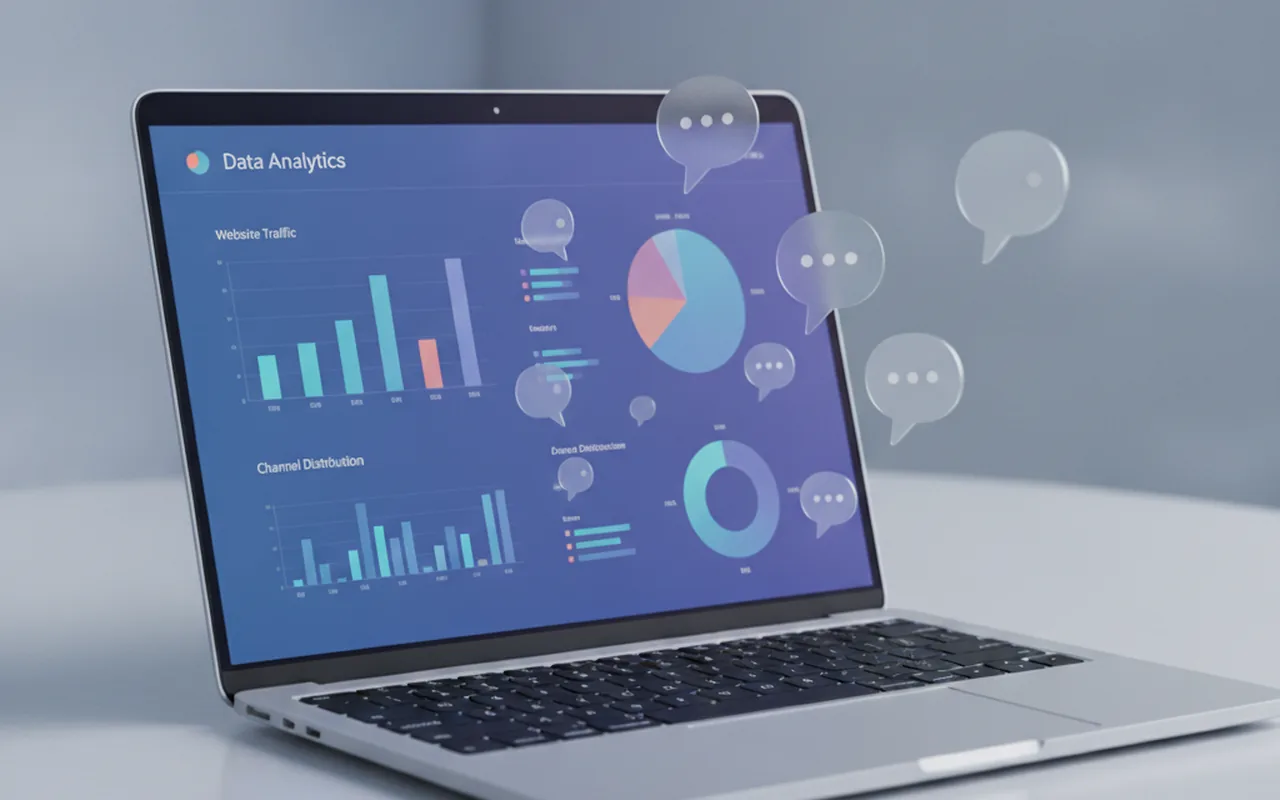
The new AI Dashboards feature lets you describe what you want in plain English, and Gemini builds the visual report from your raw data. Examples from Google's announcement include prompts like "show me conversion rate by device over the last 30 days compared to the prior period" or "summarize brand vs non-brand impression share this quarter." The output is an interactive chart you can screenshot, share, or drill further with a follow-up prompt.
Two practical implications stand out. First, this dramatically lowers the skill floor for ad reporting — a junior team member can build a board that previously required someone comfortable with the Ads interface's more arcane corners. Second, the AI generates real-time summaries explaining the visual — not just the chart itself, but a written interpretation of what the data shows. That is the part that takes the most time when building reports for stakeholders who want to read an insight, not squint at a line graph.
Analytics Dashboard support is listed as "coming soon" in Google's announcement, so Ads gets it first. This is also where Ask Advisor's cross-product design starts to pay off: a dashboard pulled from Ads data can link out to Analytics reports through the same assistant thread.
Feature 3: The Benchmarking Tool
The third and arguably most strategically significant addition is a Benchmarking tool inside Google Analytics. The tool gives you access to aggregate performance metrics — industry-median click-through rates, conversion rates, cost-per-click ranges — and, crucially, connects that data directly to Ask Advisor so you can ask follow-on questions within the same workflow.
Google has offered aggregate benchmarks in various forms for years, but the new integration is qualitatively different. Previously, benchmarks sat in a separate report and did not naturally connect to your campaign decisions. Now you can ask Ask Advisor: "How does my ecommerce conversion rate compare to the retail industry median?" and get an answer that references your actual GA4 data alongside the benchmark. From there you can ask for a prioritised list of pages where the gap is widest, and the assistant will identify them.
This is where the "agentic" label is most justified. Instead of you pulling benchmark data, copying it somewhere, comparing it to your own numbers, and then deciding where to focus — the assistant chains those steps together inside a single session. That is the workflow shift from AI assistant to AI agent: multi-step reasoning with your data, not just a single-prompt answer.
How Ask Advisor Fits Into the Broader August Push
These updates do not exist in isolation. August has been an unusually dense month for Google Ads changes. Google is auto-upgrading campaigns that use Automatically Created Assets or campaign-level broad match to AI Max starting September 1 — a change affecting how query matching and ad copy generation work for a large number of accounts. Ask Advisor's new agentic capabilities are, in part, the interface layer that lets advertisers navigate those migrations more fluently, without needing to manually inspect each affected campaign.
Meanwhile, ChatGPT Ads Manager is live and actively expanding — which gives Google a meaningful competitive reason to make its own AI tooling more useful and more sticky. Agentic workflows that chain Google Ads, Analytics, Merchant Center, and Ask Advisor together are harder to replicate if you do not already own all four platforms. Google is leaning into that structural advantage.
What Marketers Should Do Now
These features are new enough that not every account will have them yet. Here is a practical checklist to make the most of the rollout:
- Check your Analytics homepage. If AI Overviews are live for your account, spend a week treating that summary as your starting point each morning. Note whether the highlights are relevant or noisy — your feedback (thumbs up/down) trains the quality.
- Try the Dashboard prompt in Google Ads Reporting. Start with a simple request — "show me CPA by campaign type this month vs last month" — before asking for anything complex. Simple prompts reveal the capability ceiling faster than ambitious ones.
- Explore the Benchmarking tool in Analytics. Pull your primary conversion metric for your category and note where you sit relative to the median. Use Ask Advisor to ask "which landing pages show the largest gap to the industry benchmark?" and use that output to prioritise CRO or ad copy work.
- Document baseline metrics now. If you have campaigns likely to be touched by the September 1 AI Max upgrade, capture current CTR, conversion rate, and ROAS before any changes take effect. Ask Advisor's Dashboards make this faster than it used to be.
- Track which questions Ask Advisor handles well. Agentic tools improve with use, but also fail in predictable ways early in rollout. Logging where the assistant gives useful answers versus where it hallucinates or misses context gives you a map for where to trust it and where to verify manually.
The Bigger Picture: AI Agents as a Layer Above Ad Platforms
The Ask Advisor expansion is part of a broader shift where the marketing platform interface is moving from menus and reports to natural-language workflows. Google's bet is that the more of your marketing stack that sits inside its ecosystem — Ads, Analytics, Merchant Center, GMP — the more powerful the agentic layer becomes. Each additional integration makes the assistant's answers more accurate and the recommended actions more directly executable.
For marketers, this raises a familiar question: how much do you want your analytical workflow to depend on the platform whose performance you are trying to measure? Google's benchmarks come from Google's data; Google's AI is recommending actions inside Google's ad products. That closed loop is efficient, but it also underscores the value of maintaining independent measurement through GA4 custom reports, third-party attribution tools, or your own data warehouse — sources the assistant cannot silently nudge in a self-serving direction.
Used with that awareness, the new Ask Advisor features are genuinely useful additions. The agentic move from "answer questions about your data" to "chain analysis and action together inside a session" is a real qualitative step up — not just a UX refresh.
FAQ: Google Ask Advisor Agentic Update
What is Google Ask Advisor?
Ask Advisor is Google's Gemini-powered AI assistant for marketing, available across Google Ads, Google Analytics, Merchant Center, and the Google Marketing Platform. It lets marketers ask natural-language questions about campaign data and receive structured answers, recommendations, and — with the August 2026 update — automated multi-step workflows.
What was new in the August 10, 2026 announcement?
Google expanded Ask Advisor with three agentic capabilities: AI Overviews on the Google Analytics homepage (a proactive performance summary on login), AI Dashboards in Google Ads (visual reports built from natural-language prompts), and a Benchmarking tool in Analytics that compares your metrics against industry medians and integrates those comparisons into Ask Advisor sessions.
Do I need to do anything to access these features?
No action is required to receive the rollout. AI Overviews and Dashboards are being released gradually, so availability depends on your account. Check the Analytics homepage and the Reporting section of Google Ads to see if the features are live for you. Google has not published a fixed timeline for full rollout.
How is this different from the AI Max upgrade on September 1?
The September 1 AI Max upgrade is a campaign-level change affecting query matching and ad copy generation for Search campaigns using Automatically Created Assets or campaign-level broad match. The Ask Advisor update is a reporting and analysis layer — it does not change how your campaigns bid, match, or serve. Both are part of Google's broader AI push in August 2026, but they operate at different levels of the advertising stack.
Can Ask Advisor take actions in my account, or does it only analyse?
As of the August 10 announcement, Ask Advisor can recommend actions and generate reports, but direct campaign edits still require human confirmation inside the Ads interface. The "agentic" label refers to multi-step reasoning — chaining analysis across platforms into a coherent workflow — rather than fully autonomous campaign management. Google has signalled that further action capabilities are planned.